Buying guide
Robot Vacuums
Our pick
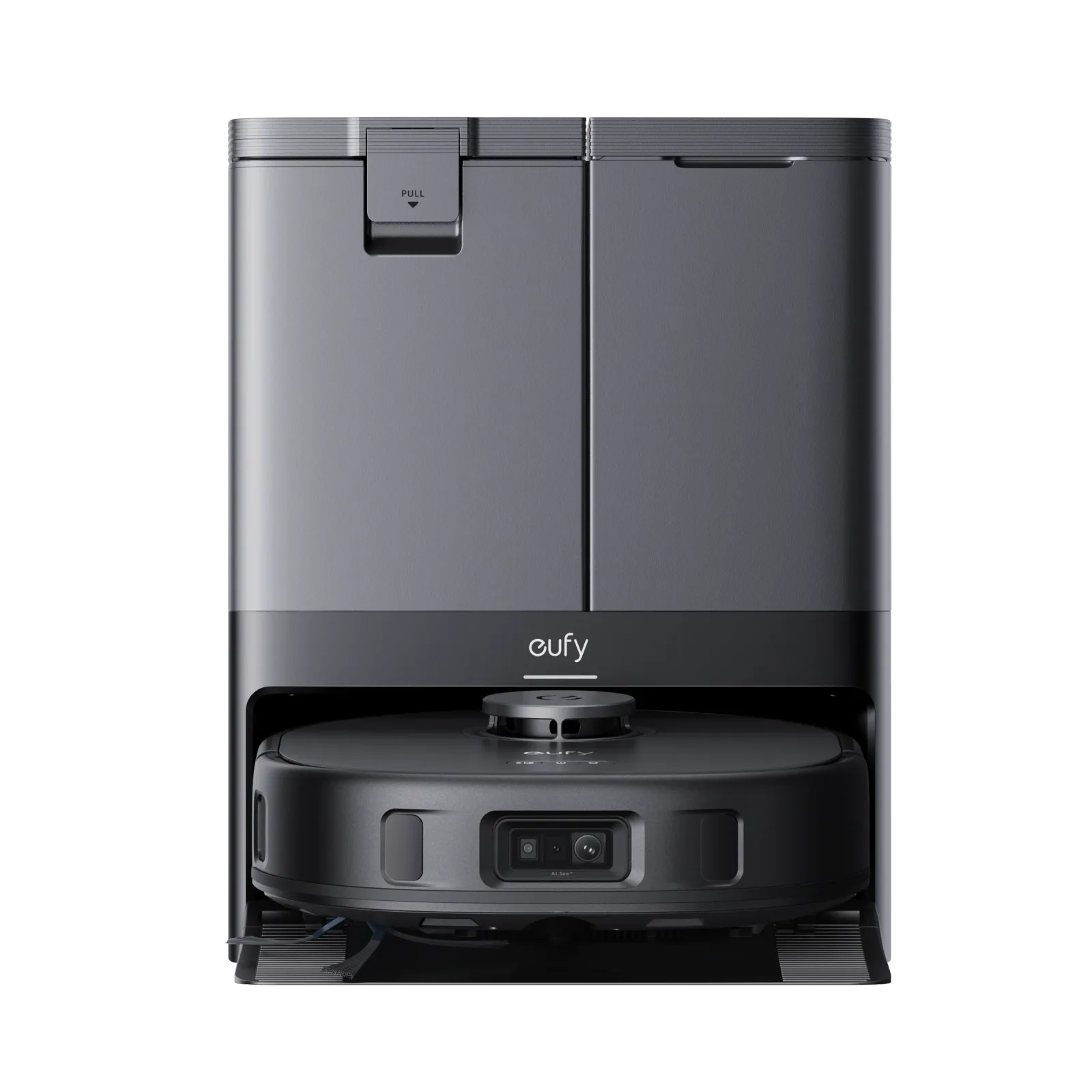
eufy X10 Pro Omni Robot Vacuum and Mop
Choose the eufy X10 Pro Omni if you want a robot vacuum and mop with a dock that handles mop washing, drying, emptying and refilling.1
Why this one
- Its battery recharges at the Omni Station, and it resumes cleaning after returning to the dock.2
Before you buy: Leave the recommended 33.46 inches of height clearance above the station for operation and water tank maintenance.1
The alternatives
Other contenders
Compare the options
2 products
Compare models side by side
Choose two or three products to compare.
Models in this comparison
Every specification for these products
| Specification | eufy X10 Pro Omni Robot Vacuum and Mop | eufy Robot Vacuum Omni E28 |
|---|---|---|
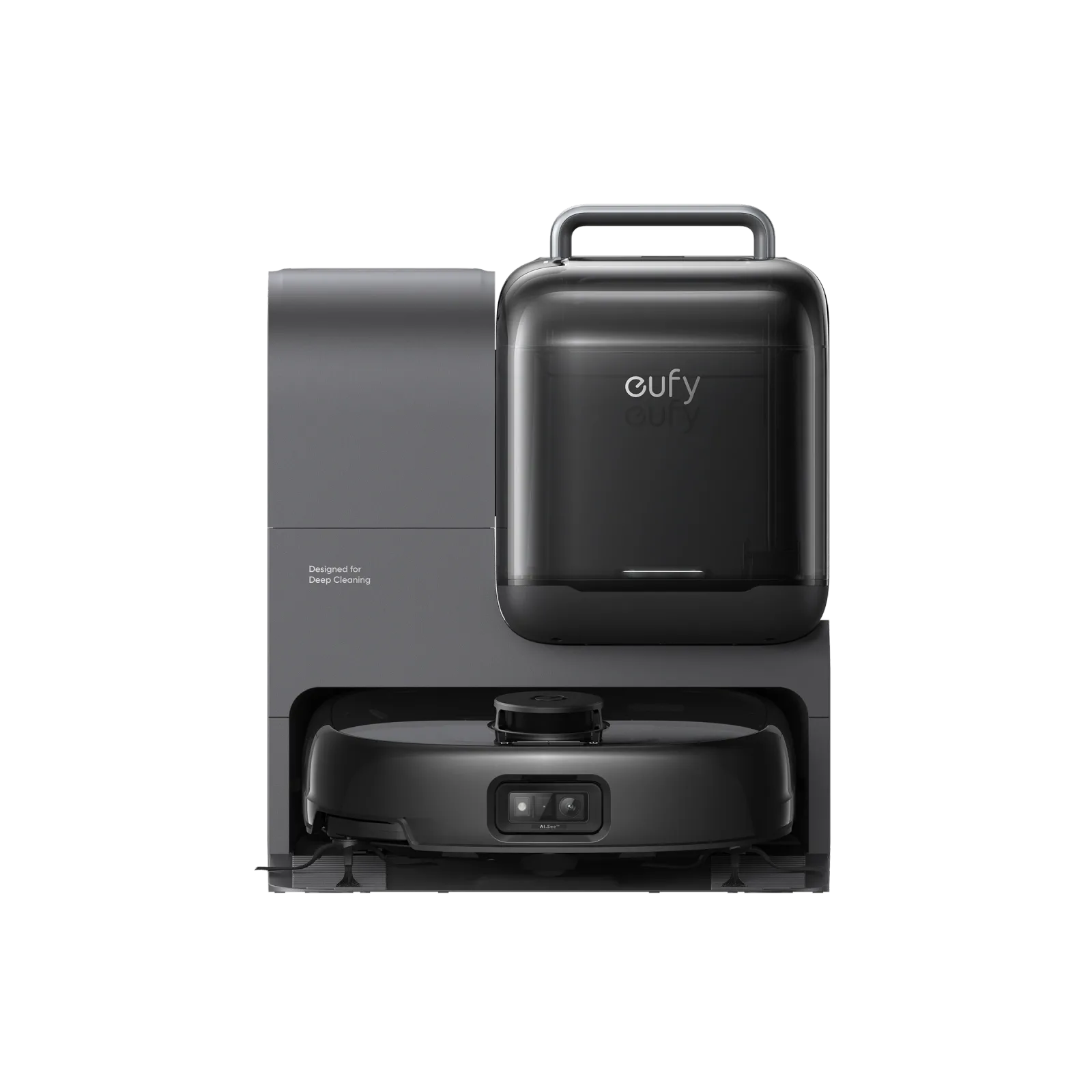
| Cleaning arrangement | Auto-Lifting Mop1 | HydroJet™ Self-Cleaning Roller Mop FlexiOne™ Portable Deep Cleaner3 |
| Dock power supply | If X10 Pro Omni's battery is low during the clean, it will go back to the Omni Station to recharge, then resume cleaning where it left off.2 | Attach the robot to the Omni Station. RoboVac will power on and start charging automatically. (Environment: Connect the Omni Station power cord to a wall outlet; the robot charges automatically at the station.)4 |
| Floor and operating limits | Ideal for Carpets1 | Set No-Go Zones: For areas like dark-colored stairs, walls, furniture, thin chair legs, furniture bottoms lower than 116mm, and carpets thicker than 26mm, set up no-go zones to avoid the robot getting stuck and to maintain cleaning performance.3 |
| Dock functions | X10 Pro Omni has an 80 ml water tank in the robot, plus an All-in-One Station that washes and dries the mops, and has self-emptying and refilling.1 | Not published |
| Routine care | For pet owners, please increase the self-empty frequency to every 15 minutes and set the suction power to Turbo or Max.1 | Not published |
| Controls and app setup | For enhanced edge cleaning, you can use the Edge-Hugging Mopping feature. Update to the latest firmware and app version, then enable it in the app under the mode settings menu.1 | Auto-return Cleaning: If your home has a large area, please enable the auto-return cleaning function via the app.3 |
| Dock dimensions and clearance | The station's dimensions are (L) 14.41 × (W) 18.11 × (H) 18.90 inches. For the robot, it's (L) 13.90 × (W) 12.87 × (H) 4.47 inches. It is recommended to place the station in an area with a 33.46 inches height clearance for operation and water tank maintenance.1 | Not published |
| Included accessories | Not published | Portable Deep Cleaner (Environment: Unplug the Omni Station before detaching the cleaner. Move the detached cleaner to the cleaning area and connect it to a power source.)4 |
How they compare
Scroll the table to see every product and specification.
| Specification | Our pickeufy X10 Pro Omni Robot Vacuum and Mop | eufy Robot Vacuum Omni E28 |
|---|---|---|
| Cleaning arrangement | Auto-Lifting Mop1 | HydroJet™ Self-Cleaning Roller Mop FlexiOne™ Portable Deep Cleaner3 |
| Dock power supply | If X10 Pro Omni's battery is low during the clean, it will go back to the Omni Station to recharge, then resume cleaning where it left off.2 | Attach the robot to the Omni Station. RoboVac will power on and start charging automatically. (Environment: Connect the Omni Station power cord to a wall outlet; the robot charges automatically at the station.)4 |
| Floor and operating limits | Ideal for Carpets1 | Set No-Go Zones: For areas like dark-colored stairs, walls, furniture, thin chair legs, furniture bottoms lower than 116mm, and carpets thicker than 26mm, set up no-go zones to avoid the robot getting stuck and to maintain cleaning performance.3 |
| Dock functions | X10 Pro Omni has an 80 ml water tank in the robot, plus an All-in-One Station that washes and dries the mops, and has self-emptying and refilling.1 | Not published |
| Routine care | For pet owners, please increase the self-empty frequency to every 15 minutes and set the suction power to Turbo or Max.1 | Not published |
| Controls and app setup | For enhanced edge cleaning, you can use the Edge-Hugging Mopping feature. Update to the latest firmware and app version, then enable it in the app under the mode settings menu.1 | Auto-return Cleaning: If your home has a large area, please enable the auto-return cleaning function via the app.3 |
| Dock dimensions and clearance | The station's dimensions are (L) 14.41 × (W) 18.11 × (H) 18.90 inches. For the robot, it's (L) 13.90 × (W) 12.87 × (H) 4.47 inches. It is recommended to place the station in an area with a 33.46 inches height clearance for operation and water tank maintenance.1 | Not published |
| Included accessories | Not published | Portable Deep Cleaner (Environment: Unplug the Omni Station before detaching the cleaner. Move the detached cleaner to the cleaning area and connect it to a power source.)4 |