Robot Vacuums
eufy Robot Vacuum Omni C28
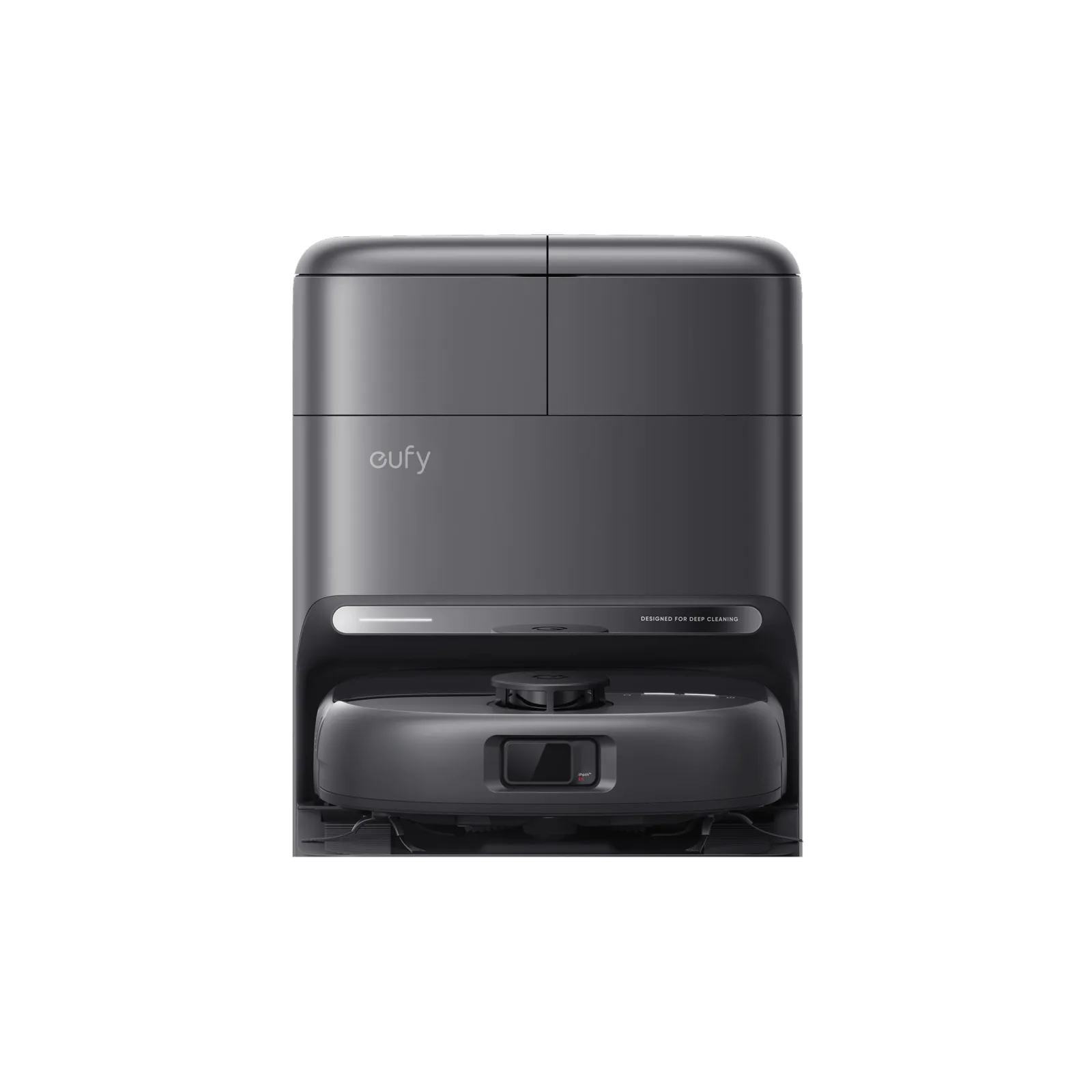
- Cleaning arrangement
- HydroJet™ Self-Cleaning Roller Mop DuoSpiral™ Detangle Brush1
The details
Specifications
Core specifications7
| Cleaning arrangement | HydroJet™ Self-Cleaning Roller Mop DuoSpiral™ Detangle Brush1 |
|---|---|
| Floor and operating limits | Avoid cleaning high-pile rugs or rugs thicker than 0.71 in / 18 mm as they may cause RoboVac to malfunction.2 |
| Dock functions | 1. Self-Cleaning Mop 2. Auto Hot-Air Drying 3. Auto Dust Emptying 4. Auto Tank Refilling 5. Auto Wastewater Collection1 |
| Routine care | 4. Using the Mopping System 1. Start cleaning. RoboVac will automatically vacuum and mop. During mopping, you can choose between three water levels via the eufy app. 2. To prevent the development of odors in the roller mop, be sure to activate the drying function after each mopping task. We strongly recommend setting the drying mode to "Standard Drying" every time to ensure optimal drying results and reduce unpleasant smells. 3. Regularly empty and clean the dirty water tank to prevent mildew or unpleasant smells. For instructions on how to clean the dirty water tank, refer to the “Cleaning and Maintenance” section in this User Guide.2 |
| Controls and app setup | 4. Follow the instructions in the app to set up the 2.4G Wi-Fi network. • Use a 2.4GHz network. • Do not use a VPN or proxy servers. • The Wi-Fi name cannot contain special characters. • If you still cannot connect, please contact us.2 |
| Navigation and area controls | 3.3 Set Up No-Go Zone and No-Mop Zone With the eufy app, you can set up a “No-Go Zone” or “No-Mop Zone” as a restricted area. This eliminates the need to use physical barriers, including boundary strips. This feature is only designed for dividing the cleaning zones, not for isolating hazardous areas.2 |
| Dock dimensions and clearance | 1.6 ft / 0.5 m 1.6 ft / 0.5 m 4.9 ft / 1.5 m • The recommended clearance on the illustration is a suggested value based on testing, to ensure the robot operates optimally, returns to the station for charging, and cleans the designated area effectively. You may adjust the clearance distance as necessary to suit the actual working environment of the robot. • Do not place the station on carpets. • Always keep the station plugged in to ensure the infrared connection between the robot and the station is successful, otherwise the robot will not automatically return to it.2 |
Fit and compatibility1
| Dock power supply | Voltage US/JP/KR/CA Version: 100-127V, 50-60Hz; EU/UK/AU/MEA Version: 220-240V, 50-60Hz;2 |
|---|
Sources
- www.eufy.com
- salesforce-knowledge-download.s3.us-west-2.amazonaws.com