Robot Vacuums
eufy Robot Vacuum Omni E25
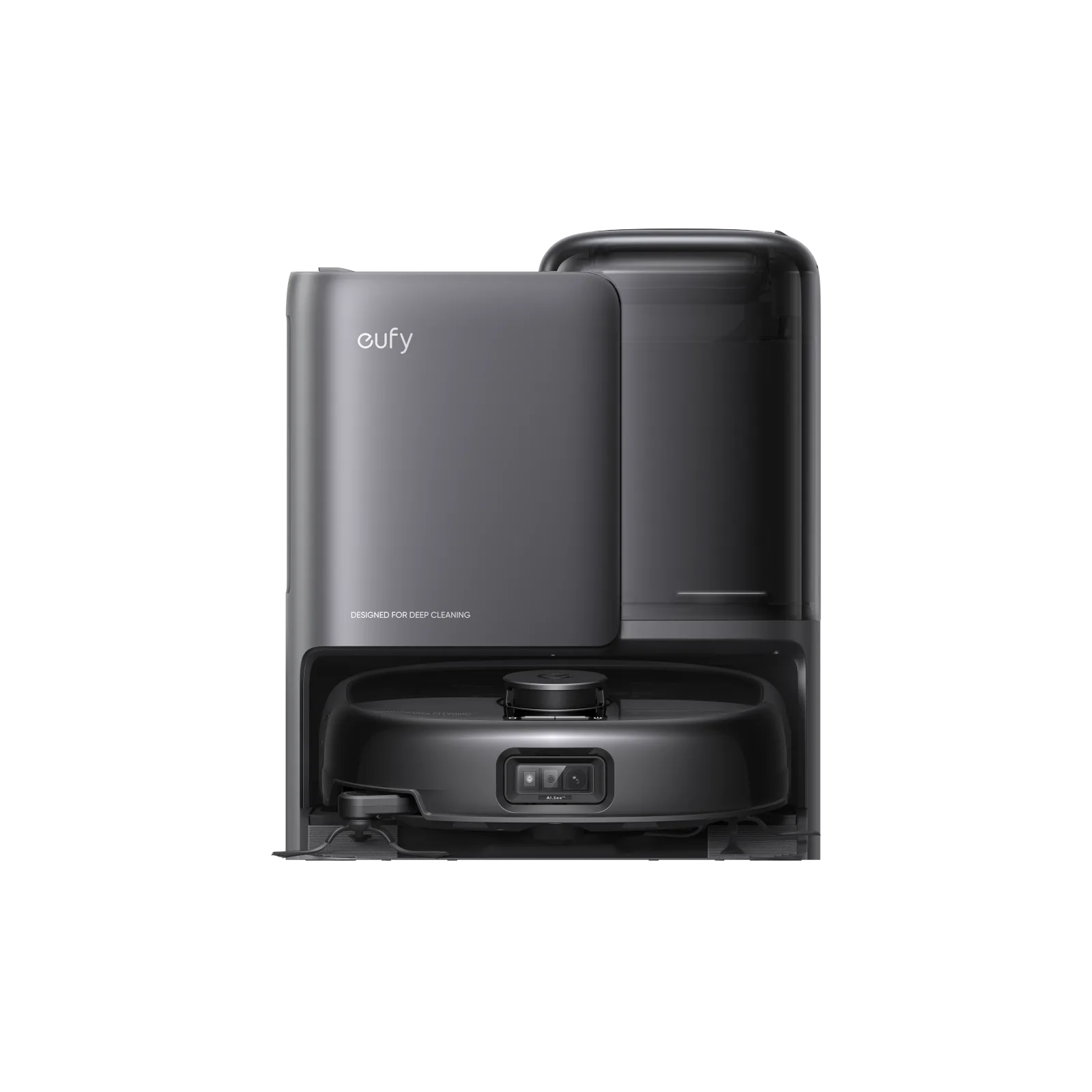
The details
Specifications
Core specifications5
| Cleaning arrangement | HydroJet™ Self-Cleaning Roller Mop1 |
|---|---|
| Floor and operating limits | Q3: How to improve the Omni E25 carpet cleaning performance? Carpet cleaning Mode: For short-pile carpets: Use the \"Vacuum Only\" mode. The device will automatically raise its mopping module to vacuum without mopping when detecting carpets to avoid wetting the carpet. For medium- and long-pile carpets: Select the \"Carpet Avoidance\" mode. The device will avoid carpets entirely and skip cleaning them upon detection. Note: Please note that dark carpets may not be detectable.1 |
| Routine care | To prevent the development of odors in the roller mop, be sure to activate the drying function after each mopping task. We strongly recommend setting the drying mode to "Standard Drying" every time to ensure optimal drying results and reduce unpleasant smells. 3. Regularly empty and clean the dirty water tank to prevent mildew or unpleasant smells. For instructions on how to clean the dirty water tank, refer to the “Cleaning and Maintenance” section in this User Guide.2 |
| Controls and app setup | Follow the instructions in the app to set up the Wi-Fi connection.2 |
| Included accessories | 1.1 What's in the Box 1.2 Overview 1.3 Button Controls 1.4 LED Indication 2. Preparing Your Omni E25 2.1 Prepare the Omni Station 2.2 Charge Your RoboVac 2.3 Download the App 2.4 Reset the Wi-Fi Connection 3. Using Your Omni E25 3.1 Important Tips Before Use 3.2 Mapping 3.3 Set Up No-Go Zone and No-Mop Zone 3.4 Schedule Cleaning 3.5 Select a Cleaning Mode 4. Using the Mopping System 5. Using RoboVac with Alexa, Siri, or Google Assistant Compatible Devices 6. Enabling / Disabling Child Safety Lock 7. Cleaning and Maintenance 7.1 Clean the Dustbin and Filter 7.2 Clean the Rolling Brush 7.3 Clean the Side Brush and CornerRover Arm™ 7.4 Clean the Sensors, Cameras, and Charging Pins 7.5 Clean the Dirty Water Tank 7.6 Clean the Cleaning Tray 8. Troubleshooting 9. Specifications 10. Customer Service 1. About your Omni E25 1.1 What's in the Box Omni Station Robot Vaccum Cleaner (RoboVac) Detachable Base Quick Start Guide Floor Cleaner Safety Sheet Power Cord & Adapter2 |
Fit and compatibility1
| Dock power supply | US/JP/KR/CA Version: 100-127V, 50-60Hz;2 |
|---|
Sources
- www.eufy.com
- salesforce-knowledge-download.s3.us-west-2.amazonaws.com