Robot Vacuums
eufy Robot Vacuum Omni E28
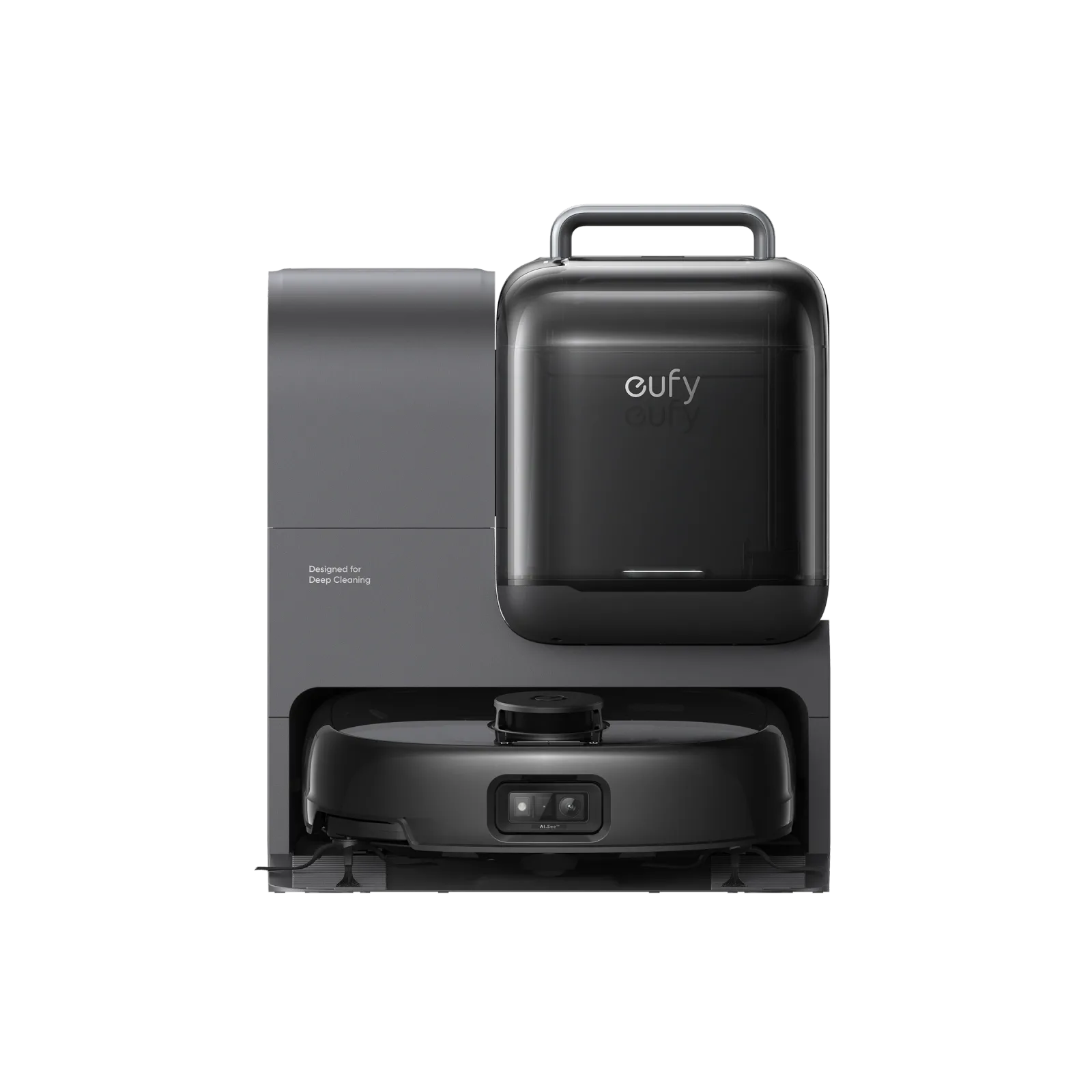
- Included accessories
- Portable Deep Cleaner (Environment: Unplug the Omni Station before detaching the cleaner. Move the detached cleaner to the cleaning area and connect it to a power source.)2
The details
Specifications
Core specifications4
| Cleaning arrangement | HydroJet™ Self-Cleaning Roller Mop FlexiOne™ Portable Deep Cleaner1 |
|---|---|
| Floor and operating limits | Set No-Go Zones: For areas like dark-colored stairs, walls, furniture, thin chair legs, furniture bottoms lower than 116mm, and carpets thicker than 26mm, set up no-go zones to avoid the robot getting stuck and to maintain cleaning performance.1 |
| Controls and app setup | Auto-return Cleaning: If your home has a large area, please enable the auto-return cleaning function via the app.1 |
| Included accessories | Portable Deep Cleaner (Environment: Unplug the Omni Station before detaching the cleaner. Move the detached cleaner to the cleaning area and connect it to a power source.)2 |
Fit and compatibility1
| Dock power supply | Attach the robot to the Omni Station. RoboVac will power on and start charging automatically. (Environment: Connect the Omni Station power cord to a wall outlet; the robot charges automatically at the station.)2 |
|---|
Specifications not documented (8)
Dock functions, Routine care, Navigation and area controls, Robot dimensions, Dock dimensions and clearance, Threshold rating, Rated runtime, Warranty terms.