Buying guide
Stick Vacuums
Our pick
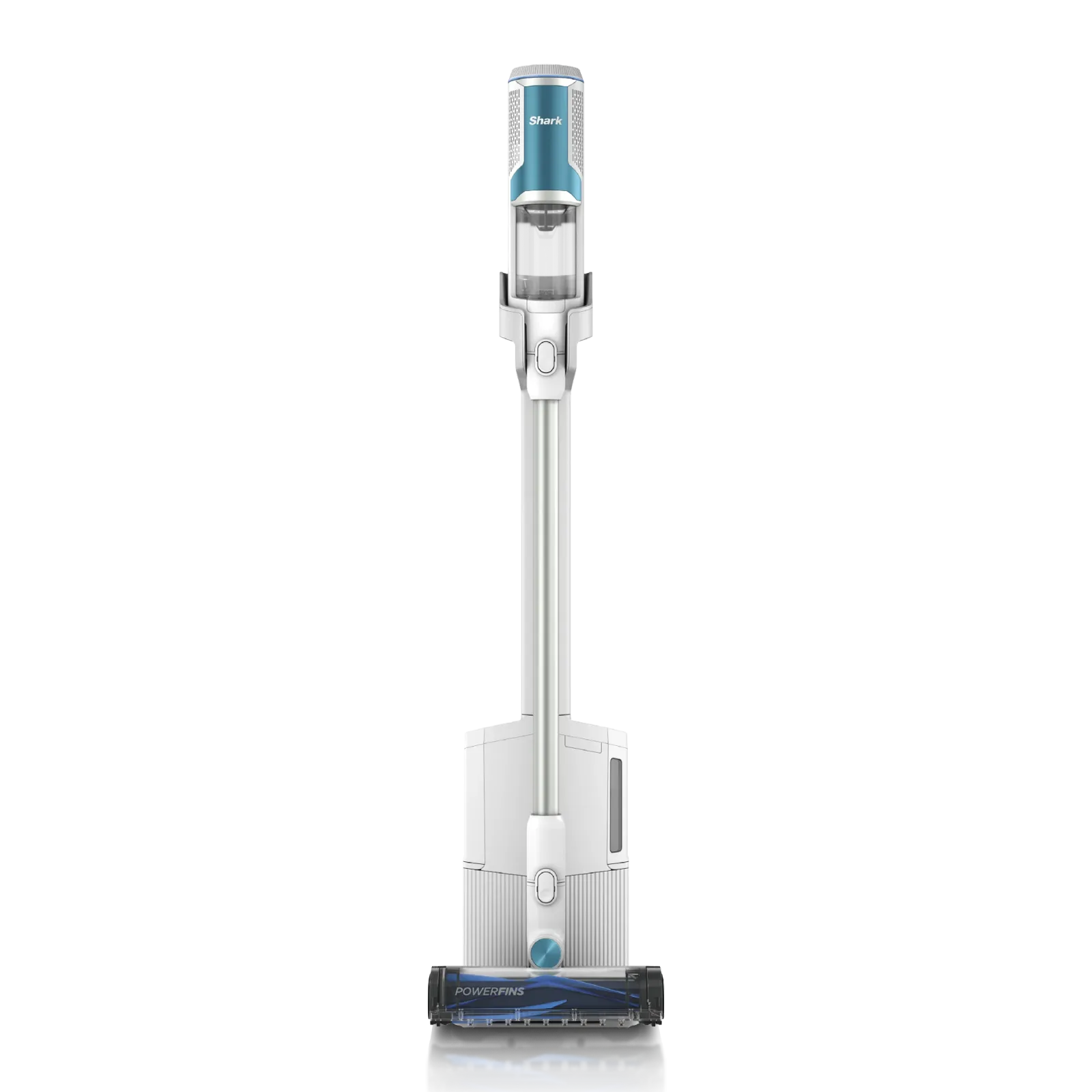
Shark Clean & Empty Cordless Stick Vacuum BU3521
Why this one
- Choose the Shark BU3521 for routine cleaning when you want the charging dock to empty the vacuum for you.1
Before you buy: Its up-to-40-minute runtime is measured at the hand vacuum in ECO mode; that rating does not describe cleaning with the floor head.1
The alternatives
Other contenders
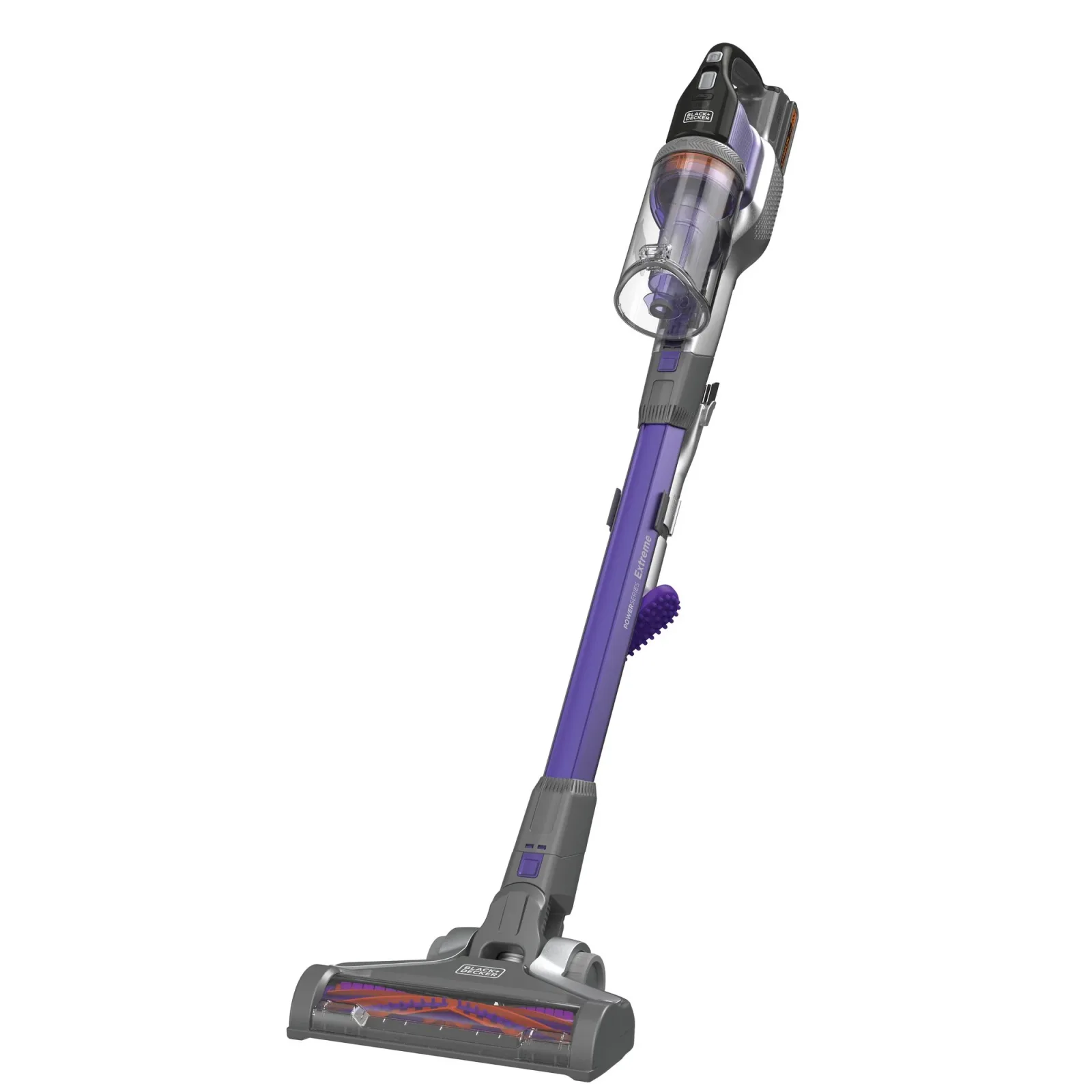
BLACK+DECKER POWERSERIES Extreme Pet BSV2020P
Choose the BLACK+DECKER BSV2020P for a separate floor-brush control and the included low-profile pet accessory. Wash the filters with warm soapy water and dry them completely before reinstalling.45
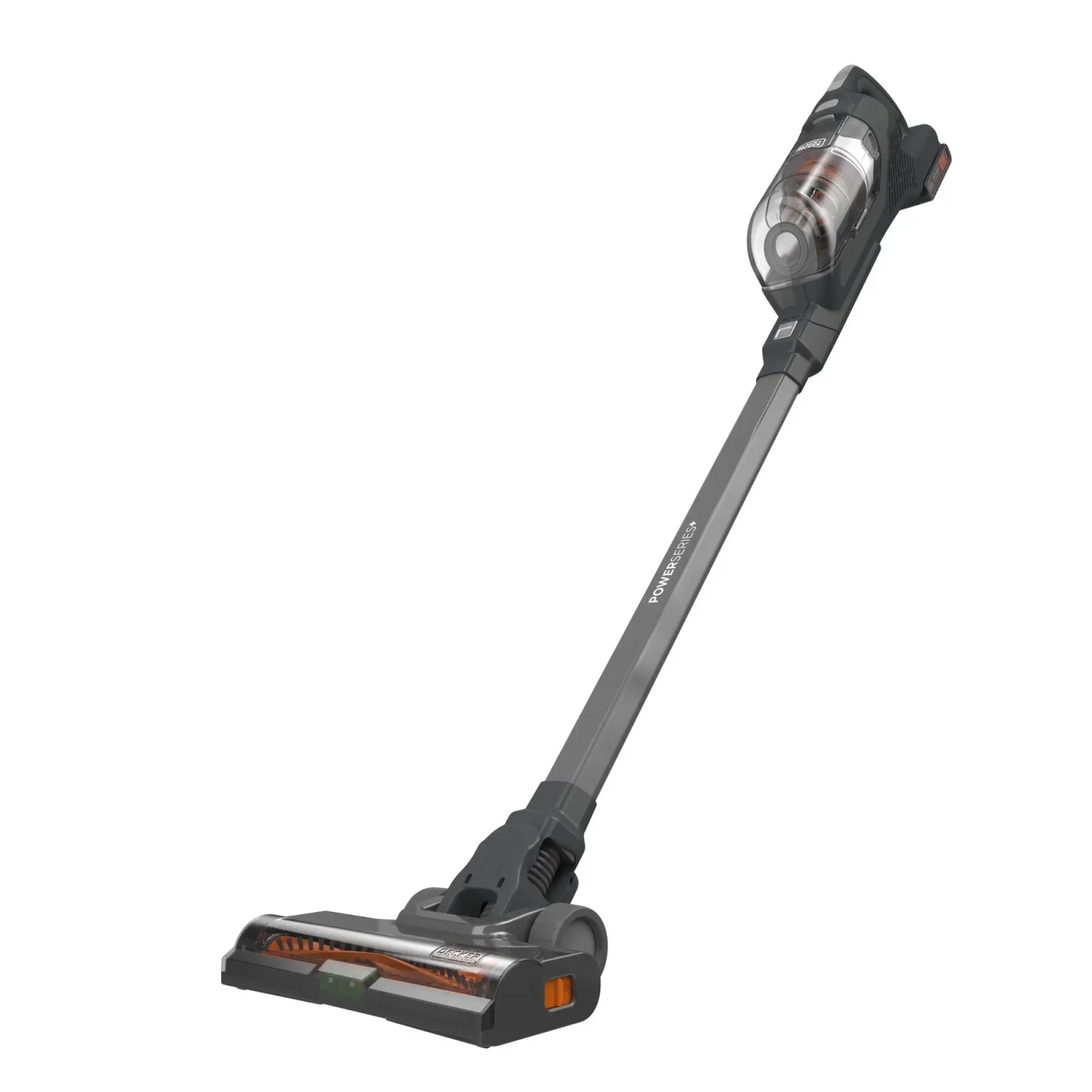
BLACK+DECKER POWERSERIES+ BHFEA18D1 Cordless Stick Vacuum Kit
Choose the BLACK+DECKER BHFEA18D1 for automatic suction adjustment and a removable POWERCONNECT battery. Its foam and cyclonic filters wash with warm soapy water and must dry completely before reuse.67
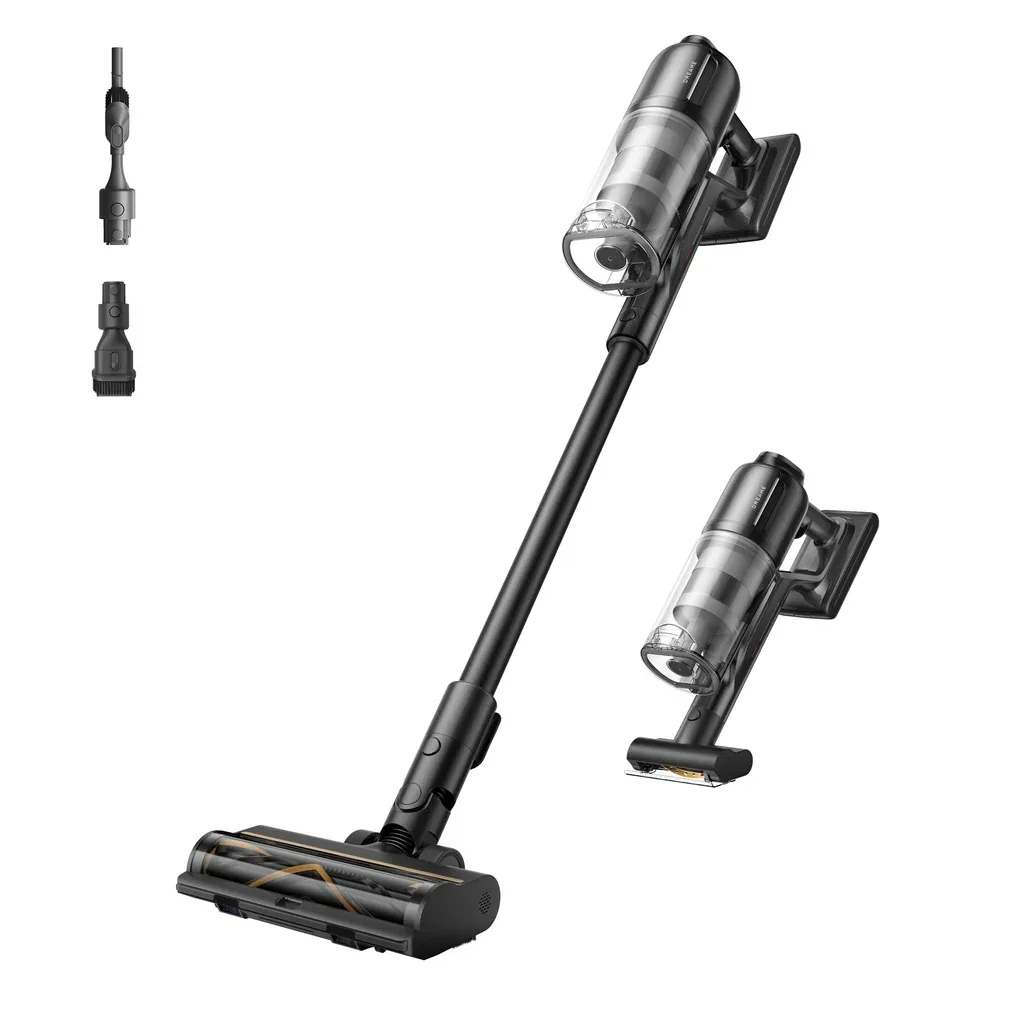
Dreame Z30 Essential VZV11B Cordless Stick Vacuum
Choose the Dreame Z30 Essential when you want a motorized mini-brush alongside the illuminated floor brush.89
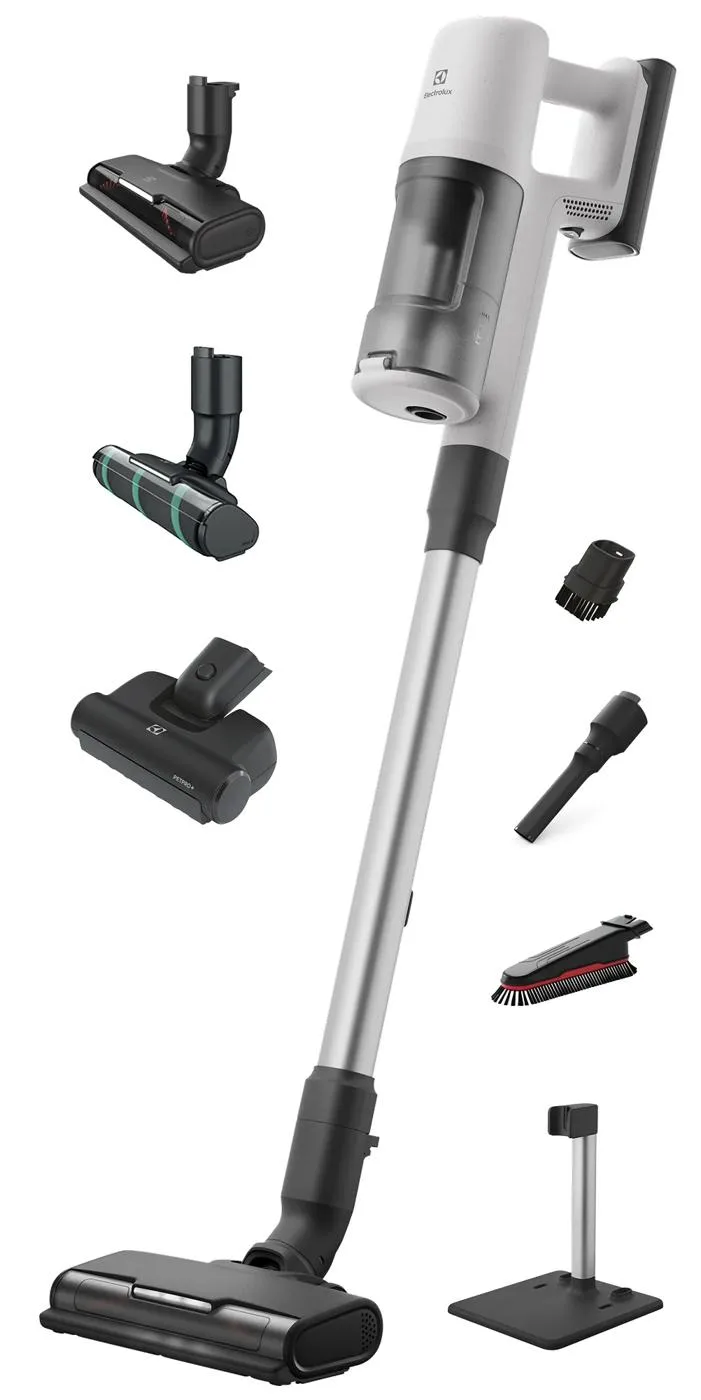
Electrolux Ultimate600 Complete Home EHVS65W1AW White Cordless Stick Vacuum
Choose the white Electrolux Complete Home package for separate bristle, hard-floor and PetPro+ nozzles.10
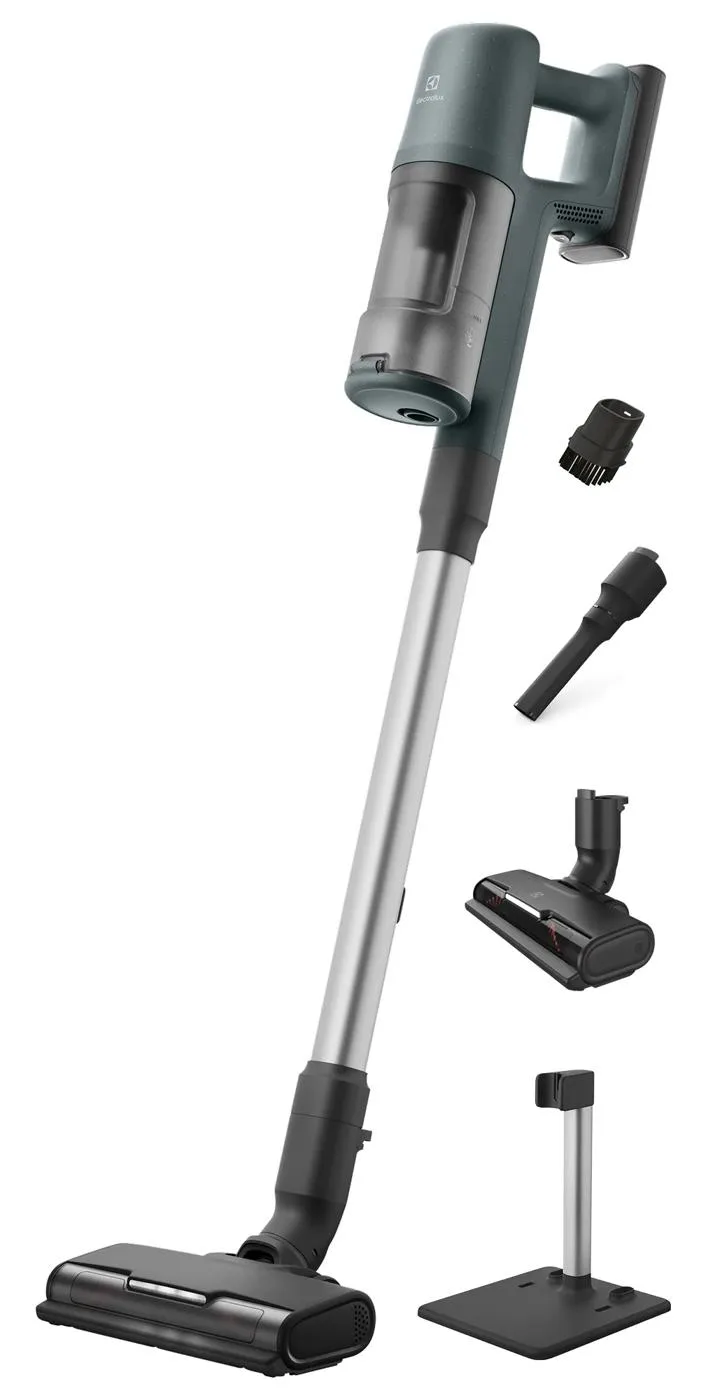
Electrolux Ultimate600 EHVS65S1AO Ocean Green Cordless Stick Vacuum
Choose the Ocean Green Electrolux Ultimate600 package for a bristle floor head plus small dusting and crevice tools.11
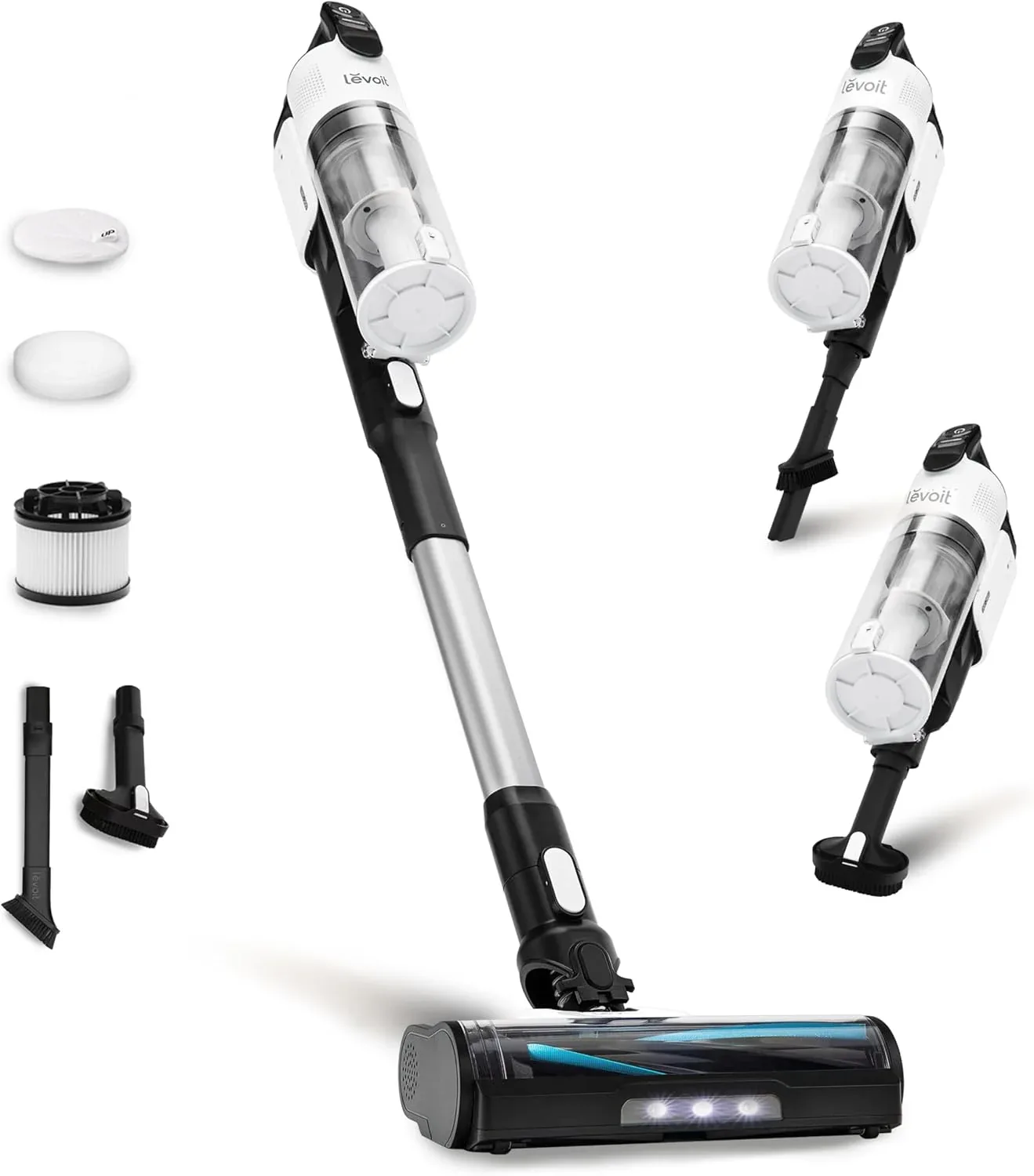
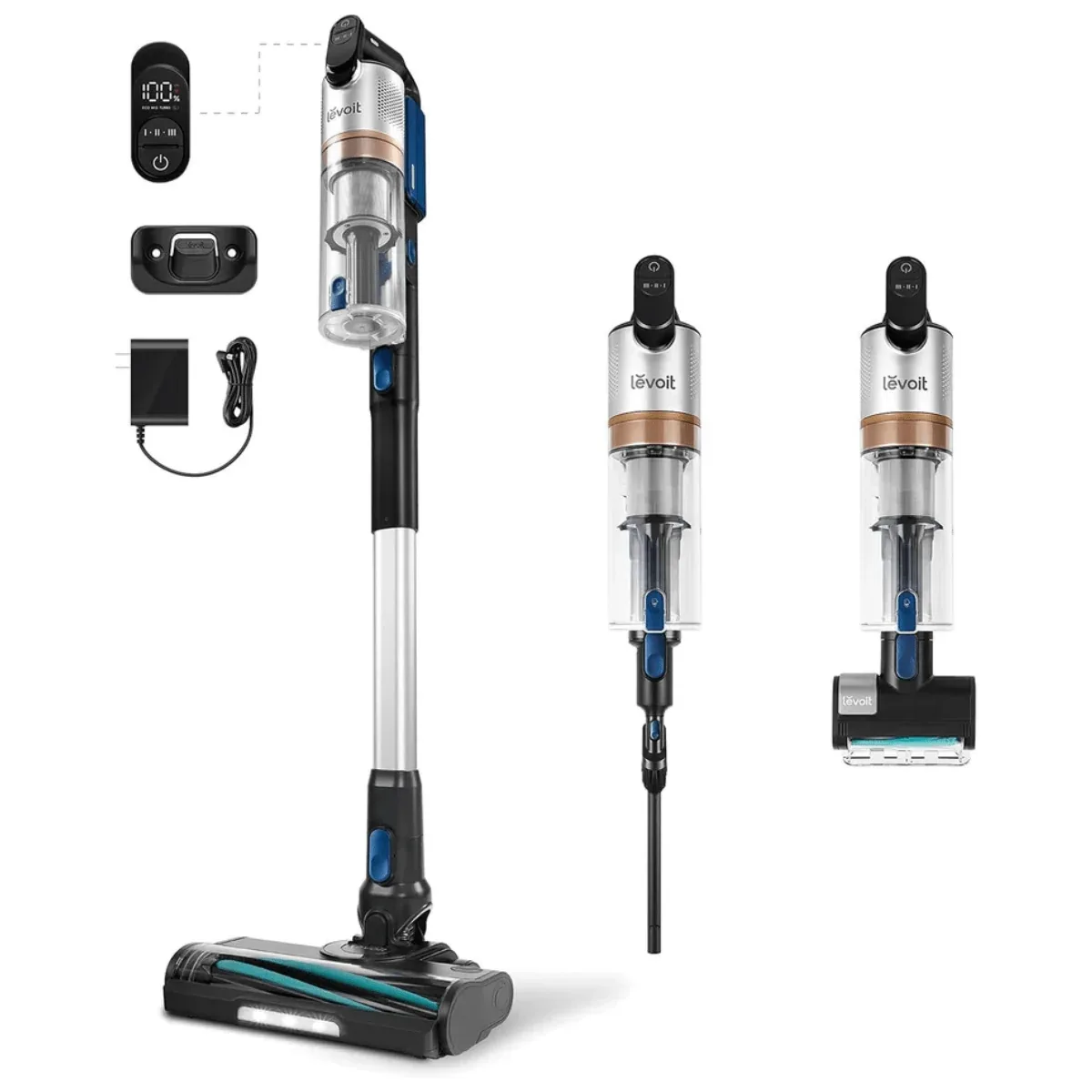
Levoit LVAC-300 Cordless Vacuum Cleaner
Choose the Levoit LVAC-300 for its included mini motorized brush and separately rechargeable battery. Wash the felt and foam filters at least monthly.1213
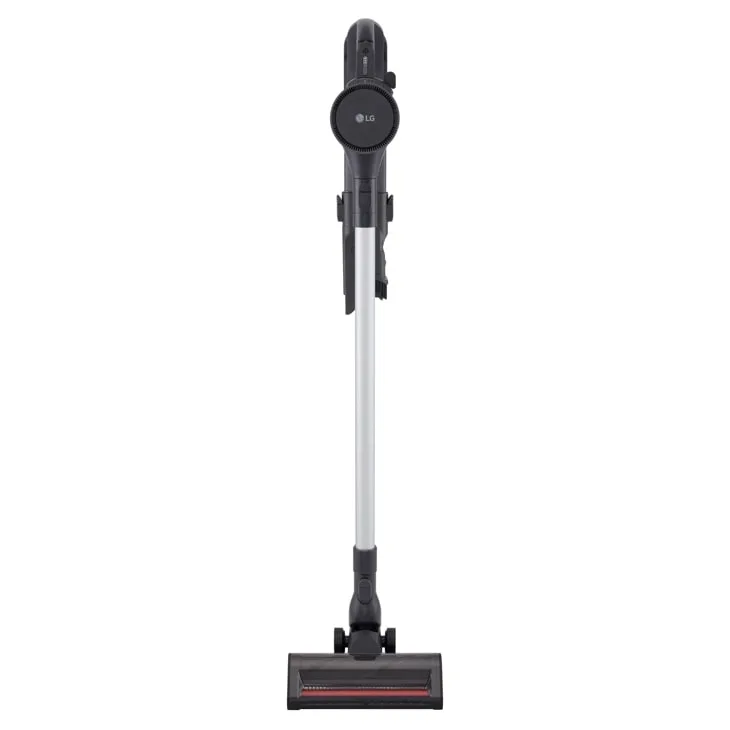
Choose the LG C5323GW Graphite for its illuminated crevice tool and Auto Multi-Surface Detect floor head.14
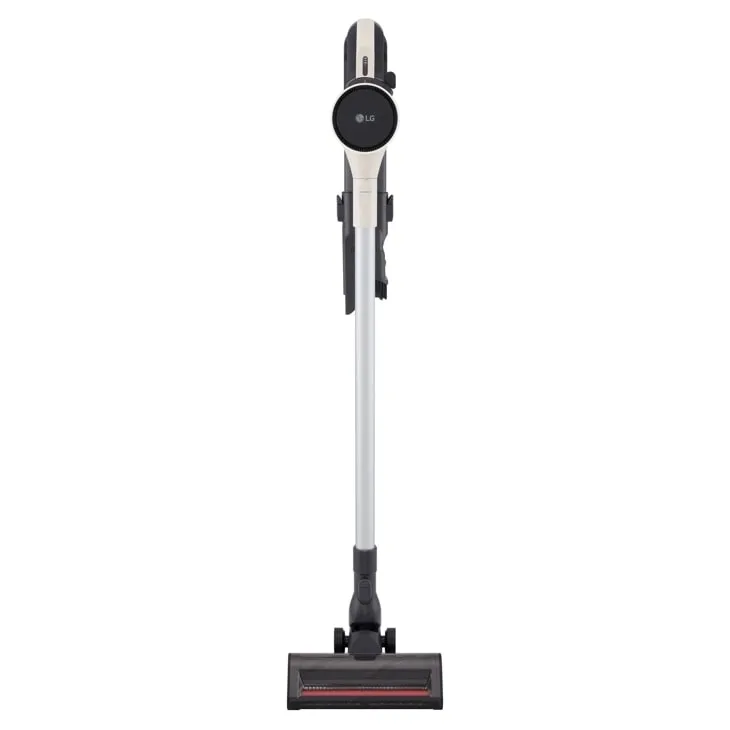
LG CordZero Q3 C5323B0 Beige Cordless Stick Vacuum
Choose the beige LG CordZero Q3 for its Auto Multi-Surface Detect floor head. Wash the exhaust filter monthly and give it at least 24 hours to dry before reassembly.1516
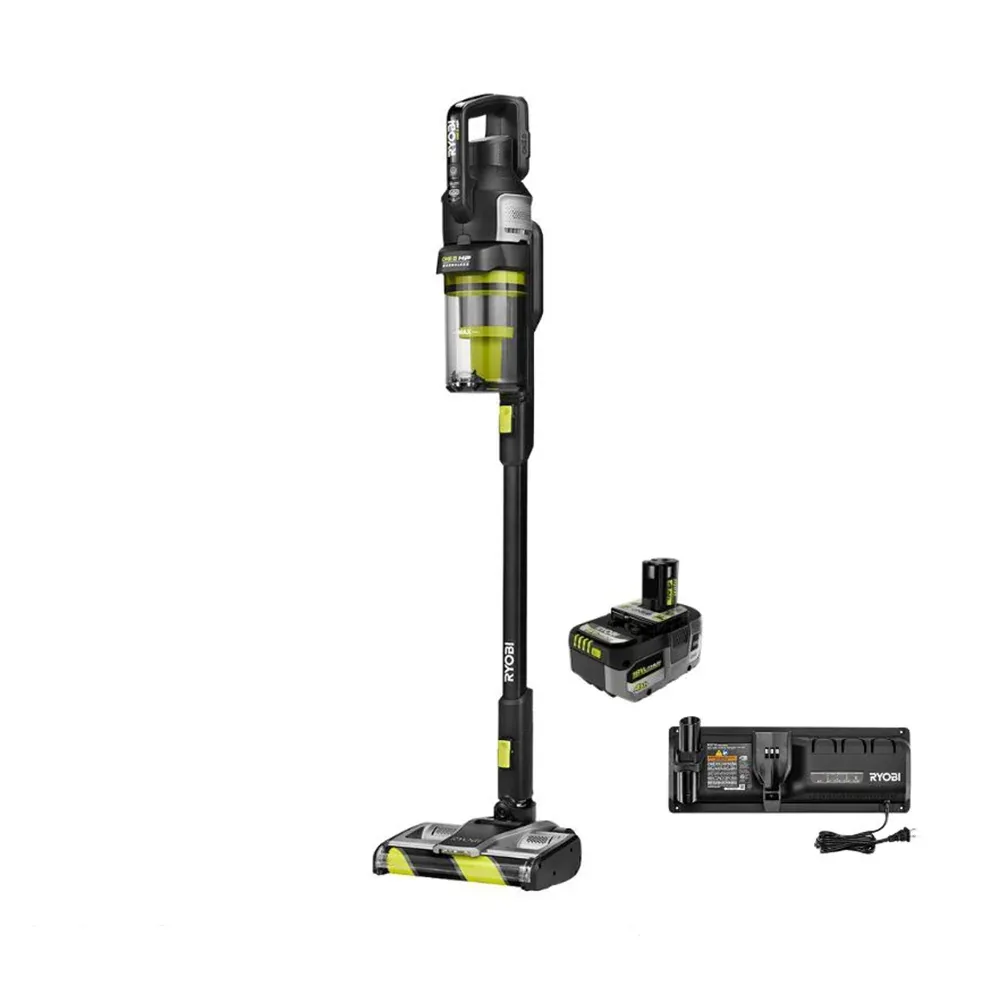
RYOBI ONE+ HP Advanced PBLSV719K Cordless Stick Vacuum Kit
Choose the RYOBI PBLSV719K kit when you want one docking station for battery charging and accessory storage.17
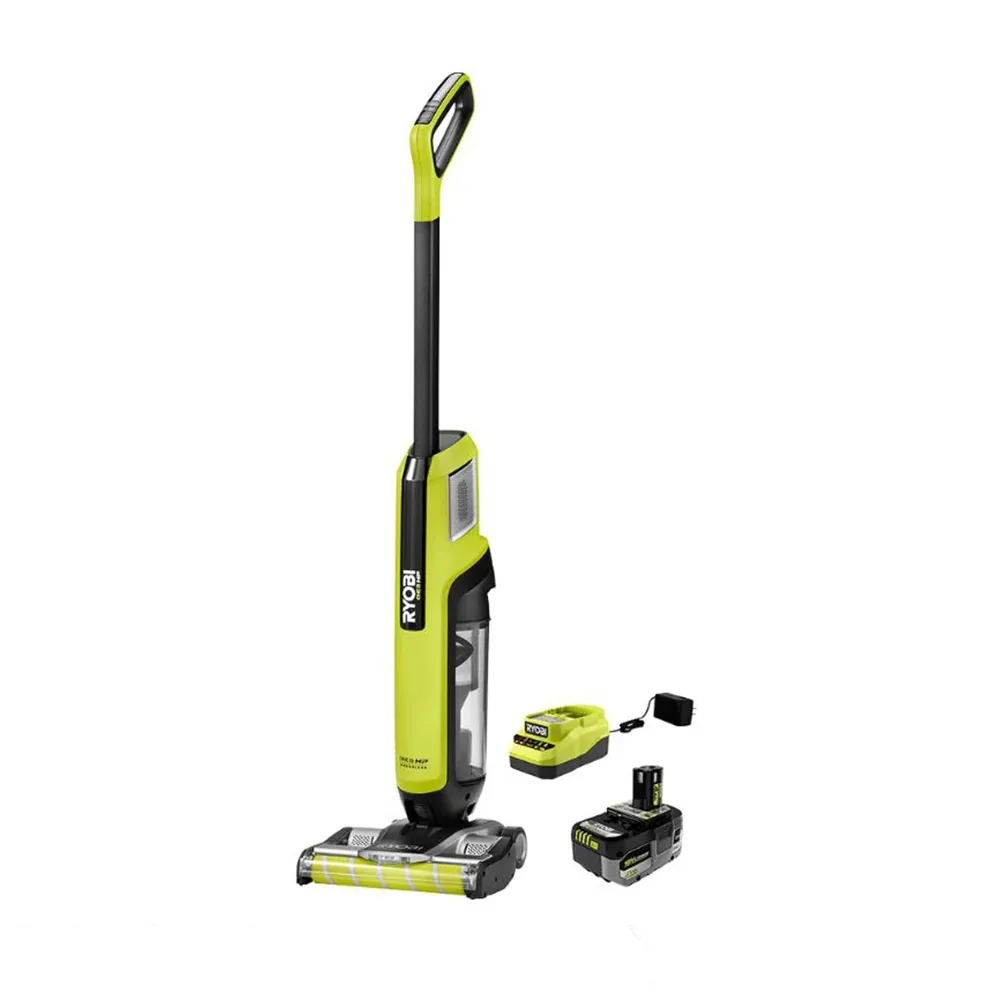
RYOBI ONE+ HP High-Capacity PBLSV718K Cordless Stick Vacuum Kit
Choose the RYOBI PBLSV718K kit for dual roller bars that come out without tools, making trapped-debris removal simpler.18
Shark PowerDetect Clean & Empty IP3251 Cordless Stick Vacuum
Choose the Shark IP3251 to empty collected dust and recharge by returning the vacuum to its dock.19
Shark PowerDetect Cordless Stick Vacuum IP1251
Choose the Shark IP1251 instead when reaching under furniture matters more than dock emptying: its wand bends for cleaning and folds for storage.2
Shark PowerDetect Speed Clean & Empty IA3241 Ice Blue Cordless Stick Vacuum
Choose the Shark IA3241 for its dock, which unloads collected dirt and recharges the vacuum when you return it to the base.20
Shark Rocket HV301 Vacuum Cleaner
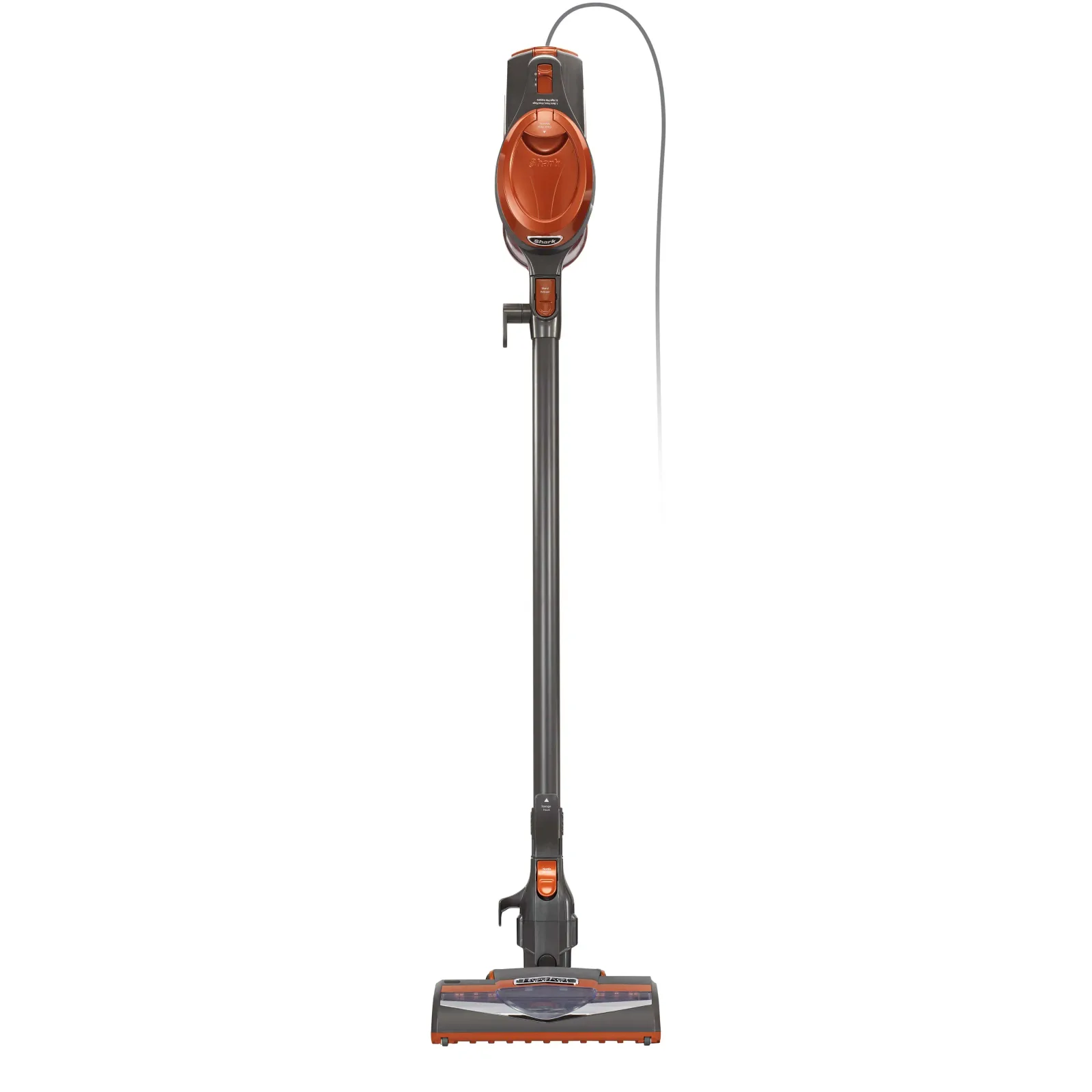
Choose the corded Shark Rocket HV301 for floor cleaning and a handheld configuration with crevice and upholstery tools. Hand-wash its foam and felt filters monthly and let them dry completely.2122
Shark Rocket Pro HV371 Corded Stick Vacuum
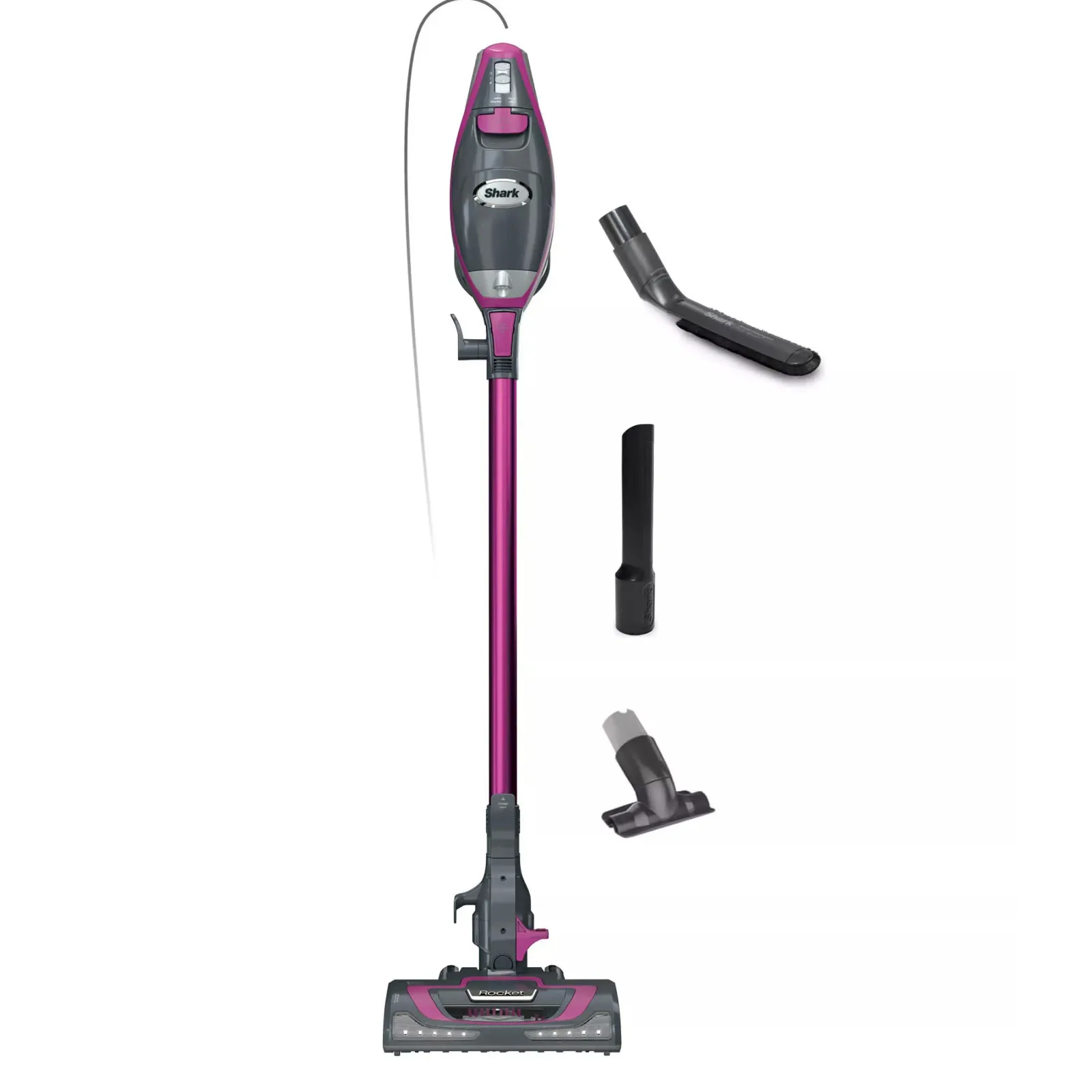
Choose the corded Shark Rocket Pro HV371 for LED headlights and a removable hand vacuum. Wash its pre-motor filters monthly and its post-motor filter yearly with water only; allow at least 24 hours for drying.2324
Compare the options
20 products
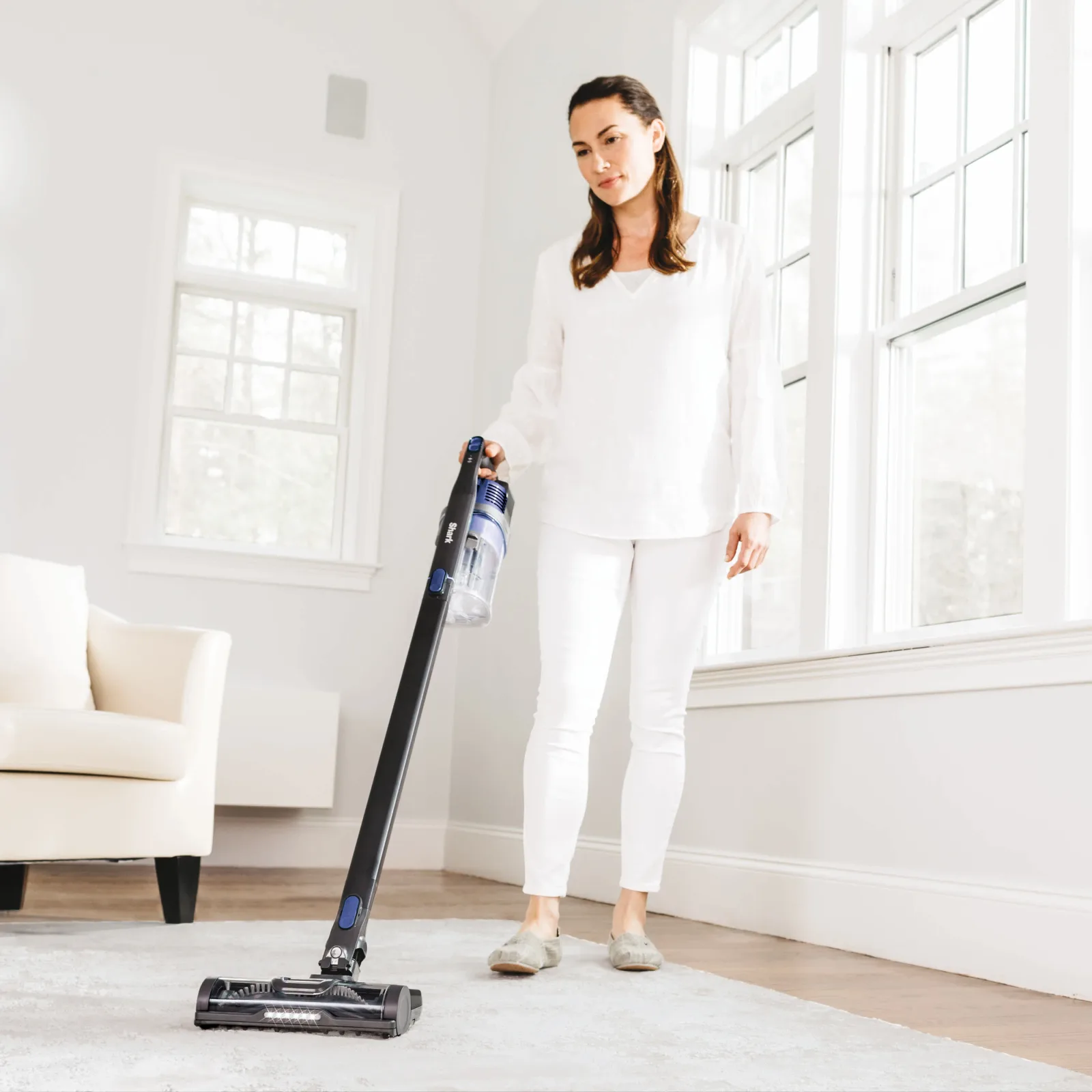
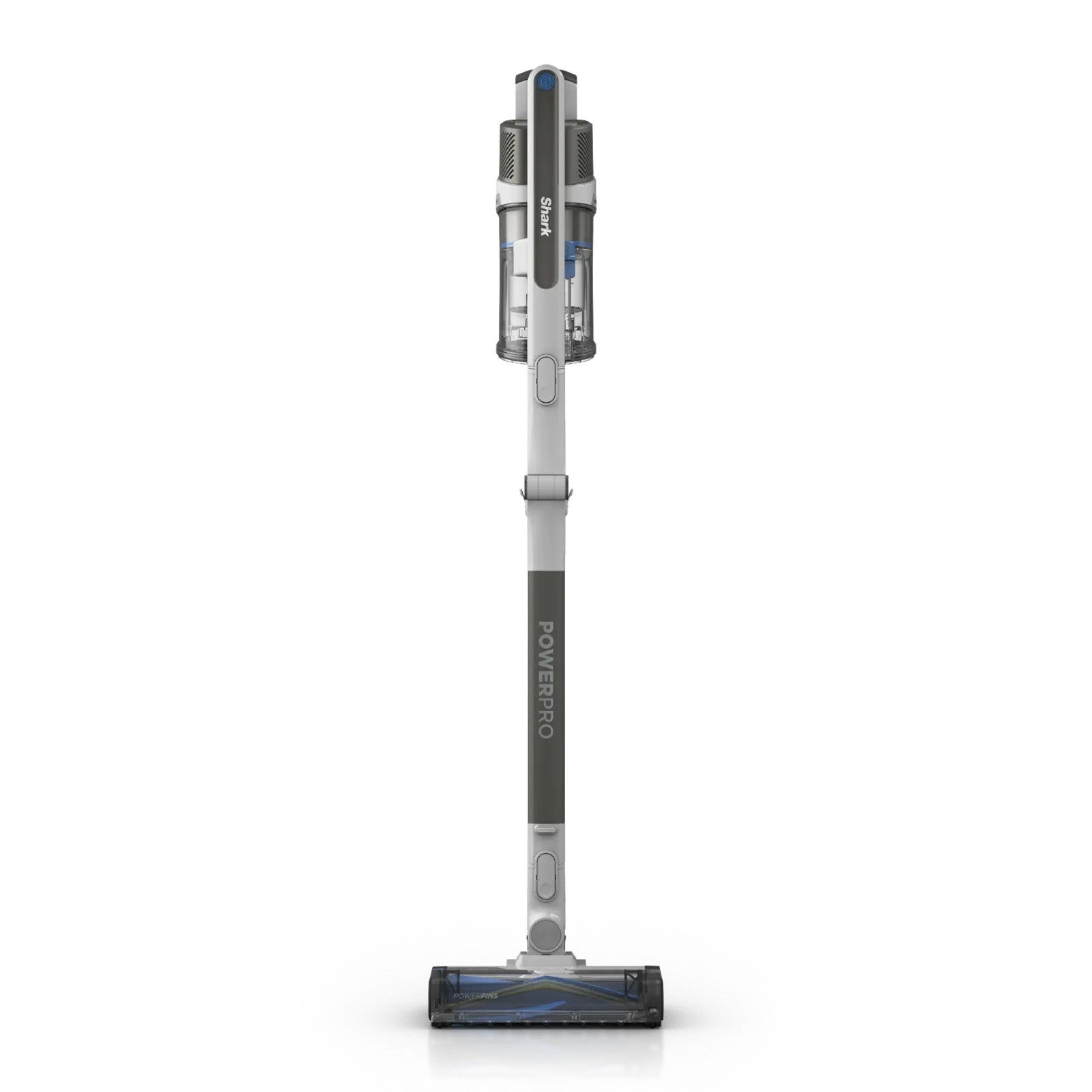
Product image unavailableShark IZ462H Cordless Stick Vacuum
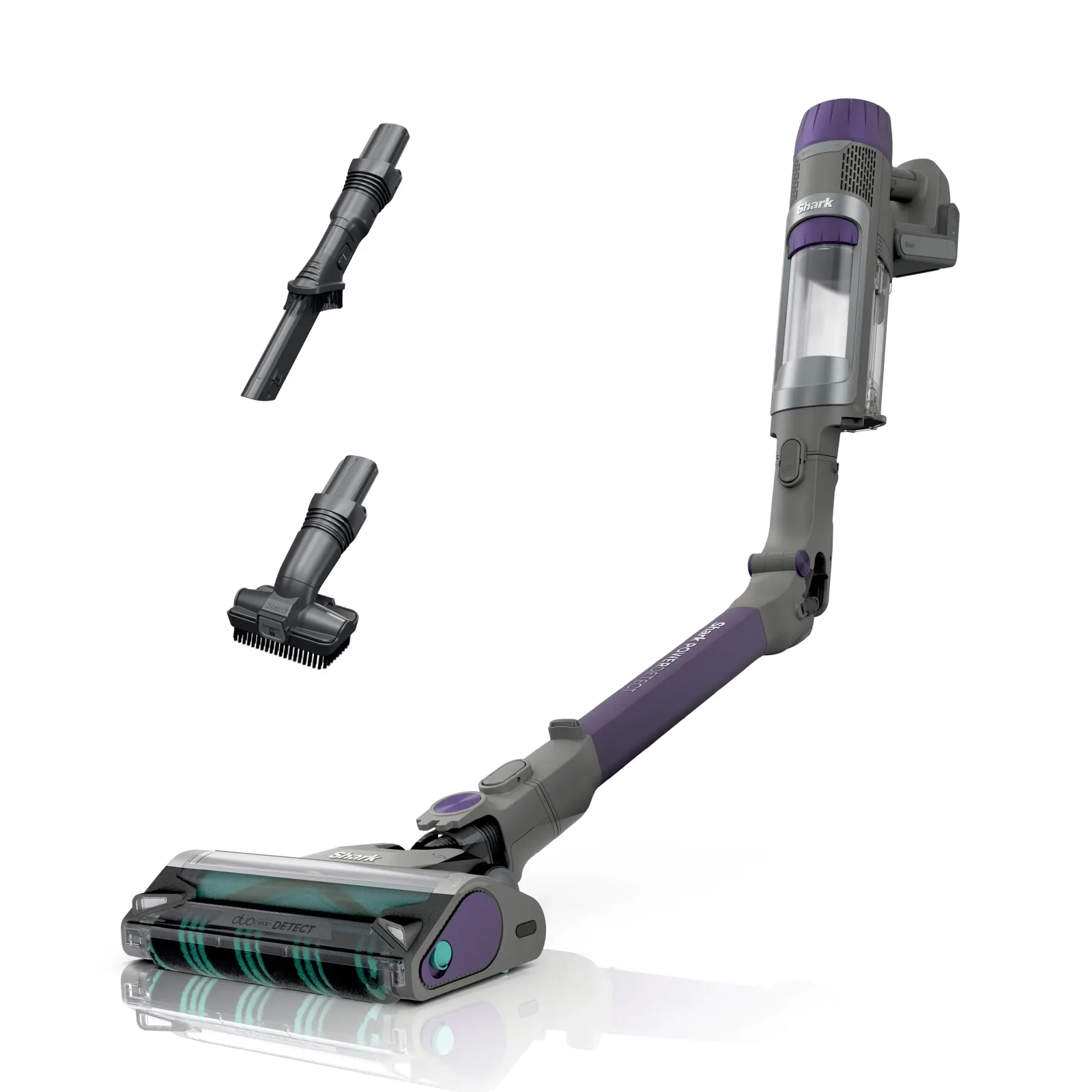
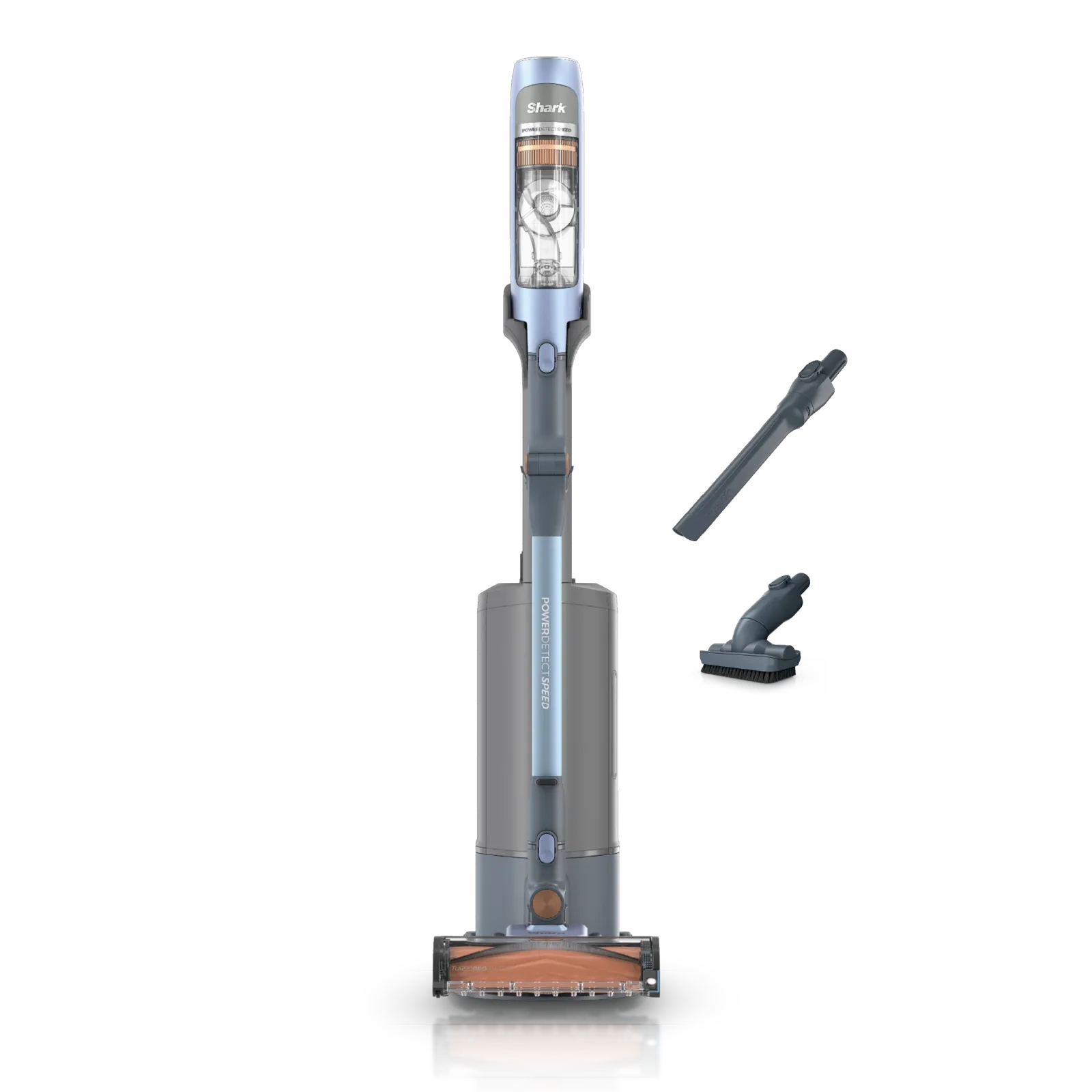
Product image unavailableShark PowerDetect Clean & Empty IP3251 Cordless Stick Vacuum
Compare models side by side
Choose two or three products to compare.
Models in this comparison
Every specification for these products
| Specification | Shark Clean & Empty Cordless Stick Vacuum BU3521 | BLACK+DECKER POWERSERIES Extreme Pet BSV2020P | BLACK+DECKER POWERSERIES+ BHFEA18D1 Cordless Stick Vacuum Kit | Dreame Z30 Essential VZV11B Cordless Stick Vacuum | Electrolux Ultimate600 Complete Home EHVS65W1AW White Cordless Stick Vacuum | Electrolux Ultimate600 EHVS65S1AO Ocean Green Cordless Stick Vacuum | Levoit LVAC-200 Cordless Stick Vacuum | Levoit LVAC-300 Cordless Vacuum Cleaner | LG C5323GW Graphite | LG CordZero Q3 C5323B0 Beige Cordless Stick Vacuum | RYOBI ONE+ HP Advanced PBLSV719K Cordless Stick Vacuum Kit | RYOBI ONE+ HP High-Capacity PBLSV718K Cordless Stick Vacuum Kit | Shark IX141 Cordless Stick Vacuum | Shark IZ382H Cordless Stick Vacuum | Shark IZ462H Cordless Stick Vacuum | Shark PowerDetect Clean & Empty IP3251 Cordless Stick Vacuum | Shark PowerDetect Cordless Stick Vacuum IP1251 | Shark PowerDetect Speed Clean & Empty IA3241 Ice Blue Cordless Stick Vacuum | Shark Rocket HV301 Vacuum Cleaner | Shark Rocket Pro HV371 Corded Stick Vacuum |
|---|---|---|---|---|---|---|---|---|---|---|---|---|---|---|---|---|---|---|---|---|
| Cleaning arrangement | Converts to Handheld25 | Switching the floor brush OFF and ON4 | Based on the type of floor you're cleaning, the POWERSERIES+™ vacuum cleaner will change suction power with AUTOSENSE™ technology while its cyclonic filtration system helps to maintain a fresh filter. Hair, fur, dirt, and debris are no match for the POWERSERIES+™ 20V MAX* Cordless Stick Vacuum thanks to the anti-tangle brush bar and LED floorhead lights that spotlight your cleaning area. Easily convert this vacuum to a handheld device with a crevice tool to clean stairs and furniture. The vacuum's self-standing capability and convenient storage options make it easy to store when not in use. Battery and charger included.6 | Illumination Multi-Surface Brush9 | Multi-Surface Bristle26 | PowerPro Bristle Nozzle27 | Easy top-to-bottom cleaning, lies 180° flat to reach under furniture, and includes 3 LED lights to spot dust as you go.28 | You can also attach the vacuum body directly to the vacuum head.13 | CordZero™ Q3 Cordless Stick Vacuum with Auto Multi-Surface Detect Dual Floor Max™ Lite Nozzle14 | CordZero™ Q3 Cordless Stick Vacuum with Auto Multi-Surface Detect Dual Floor Max™ Lite Nozzle15 | Stick Vacuum17 | multi-surface cleaning on hard floors and carpets18 | LOW-PROFILE DESIGN: A streamlined body shape makes this vacuum perfect for cleaning under furniture. REMOVABLE HAND VAC: Transforms to a hand vac for lightweight above-floor cleaning.29 | EASILY REACH UNDER FURNITURE: MultiFLEX® technology allows you to bend the wand to clean under furniture, or fold it over for compact, flex storage. FLOORDETECT™ TECHNOLOGY: Detects floor type and automatically adjusts brushroll speed for maximized performance on all surfaces – no switching of nozzles required.3 | MultiFLEX® technology allows you to bend the wand to clean under furniture, or fold it over for compact, freestanding storage.30 | motorized nozzle, wand, and handheld vacuum.31 | MultiFLEX® technology allows you to bend the wand to clean under furniture, or fold it over for compact, flex storage.2 | motorized nozzle, wand, and handheld vacuum.32 | this ultra-lightweight corded stick vacuum converts to a handheld vacuum for versatile floor-to-ceiling cleaning.21 | The Shark® Rocket® Pro ultra-lightweight corded stick vacuum cleans hardwood floors and deep-cleans carpets, and easily converts to a hand vacuum to handle above-floor messes. It features Advanced Swivel Steering, LED headlights to reveal debris, and an XL-capacity dust cup.23 |
| Power and charging | Battery Power Source25 | • Use the charger only in a standard electrical outlet (120V/60Hz).4 | • Use the charger only in a standard electrical outlet (120V/60Hz).7 | Rechargeable Lithium-Ion Battery Pack Model V2458-8S1P-GYA Nominal Voltage 29.6 V9 | Li-Ion26 | Li-Ion27 | Battery Input : 22.2V⎓ 2200mAh Li-ion battery28 | Model LSV-V202PE-BUS Battery Input 21.6V 3,000mAh Li-ion battery Rated Power 240W* Charging Input 100–240V~ 50/60Hz 0.8A13 | Input 100 V - 240 V~, 50/60 Hz, 1.0 A or 0.8 A16 | Input 100 V - 240 V~, 50/60 Hz, 1.0 A or 0.8 A16 | For use with 18V lithium-ion battery packs.33 | For use with 18V lithium-ion battery packs.34 | 21.6 volts29 | 21.6 volts3 | 25.2 volts30 | The battery is the power source for the vacuum.31 | Battery & Charging Cord2 | The battery is the power source for the vacuum.32 | TECHNICAL SPECIFICATIONS: Voltage: 120V., 60Hz Watts: 500W Amps: 4.2A22 | TECHNICAL SPECIFICATIONS Voltage: 120V~, 60Hz Watts: 500W24 |
| Rated battery runtime | 40 min (Configuration: Up to 40 minutes in ECO mode, measured at the hand vacuum.)1 | — | — | — | — | — | 30 min (Configuration: Vacuum Head; Eco Mode)28 | 40 min (Configuration: Vacuum head or mini motorized brush; ECO mode; tested at room temperature)13 | — | — | — | — | Up to 40 min (Configuration: Hand vac in standard mode, without accessories)29 | Up to 50 min (Configuration: Handvac in standard mode)3 | Up to 60 min (Configuration: Hand vac in standard mode)30 | — | 70 min (Configuration: Measured at the handvac in ECO mode; rated runtime, not floor-head runtime.)2 | — | — | — |
| Battery service | — | — | Installing and Removing the Battery Pack (Fig. F) NOTE: For best results, make sure your battery pack is fully charged. To install the battery pack 12 into the tool handle, align the battery pack with the rails inside the tool’s handle and slide it into the handle until the battery pack is firmly seated in the tool and ensure that it does not disengage. To remove the battery pack from the tool, press the release button 13 and firmly pull the battery pack out of the tool handle. Insert it into the charger as described in the charger section of this manual.7 | approximately 3.5 hours9 | 4.5 Hours26 | 4.5 Hours27 | Charging Time: 4–5 hours28 | Alternatively, the battery can be charged separately from the vacuum body.13 | — | — | — | — | Prior to first use, charge completely. A full charge takes approximately 3 hours.35 | Prior to first use, charge completely. A full charge takes approximately 3 hours.36 | Battery Charge Time (hours): 330 | — | Battery Charge Time (hours): 6 Number Of Batteries Included: 12 | — | — | — |
| Included dock functions | Return the vac to its charging dock, where it automatically empties into the base.1 | — | — | — | — | — | — | — | — | — | battery charging and accessory storage17 | — | — | — | — | auto-empty dock that empties and charges the vacuum after each use.19 | — | Automatically empties debris into a sealed base with easy, self-charging convenience.20 | — | — |
| Included cleaning tools | 8" Duster Crevice Tool Pet Multi Tool1 | Includes: (1) BSV2020P Stick Vacuum. (1) Washable Filter (BSVF1) + Pre-Filter. (1) Removable Battery. (1) 3In1 Multiway Charger + Wall Mount. (1) Crevice Attachment With Flip Out Brush. (1) Low Profile Pet Accessory. (1) Accessory Holder.5 | Includes: (1) BHFEA18D1 Stick Vacuum. (1) Crevice Tool. (1) POWERCONNECT 20V MAX* 2.0Ah Battery (LXBR2020). (1) Cup Charger (LCS1620B). (1) Wall Mount.6 | Combination Tool×1, Extension Rod×1, Main Body×1, Storing Mount×1, Wide Combination Tool×1 Illumination Multi-Surface Brush×1 Motorized Mini-Brush×18 | Crevice Tool, PetPro+ Nozzle, PowerPro Bristle Nozzle, PowerPro Hard Floor Nozzle, Ultimate600 Complete Home Cordless Stick Vacuum10 | Charging Dock, Crevice Tool, PowerPro Bristle Nozzle, Small Dusting Brush, Ultimate600 Cordless Stick Vacuum11 | 1 x Vacuum Body 1 x Long Stick 1 x Short Stick 1 x Vacuum Head 1 x 2-in-1 Crevice Tool 1 x 2-in-1 Pet Tool 1 x Wall Mount 2 x Screw 2 x Wall Anchor 1 x Charger 1 x User Manual37 | Included Components: 1 x Charger, 1 x Long Stick, 1 x Mini Motorized Brush, 1 x Short Stick, 1 x Vacuum Body, 1 x Vacuum Head, Crevice Tool, Wall Mount12 | LED Crevice Tool14 | — | — | — | In the Box Crevice tool29 | In the Box Crevice Tool Upholstery Tool3 | In the Box Crevice tool Pet multi-tool30 | — | 8" Duster Crevice Tool Pet Multi-Tool2 | — | In the Box Crevice tool Upholstery tool21 | In the Box Crevice Tool Upholstery Tool Anti-Allergen Dust Brush23 |
| Dust-cup capacity | — | — | — | — | — | — | 0.75 L28 | — | — | — | — | — | — | — | — | — | — | — | — | — |
| Dock debris-container capacity | 1.3 L (Configuration: Supplied auto-empty dock container; this is not the hand vacuum dust cup.)1 | — | — | — | — | — | — | — | — | — | — | — | — | — | — | — | — | — | — | — |
| Cleaner weight | — | — | — | — | — | — | — | — | — | — | — | — | — | — | — | — | ≈3.68 kg (8.11 lbs)2 | — | — | — |
| Brushroll care | — | Removing and cleaning the rotary brushes (Fig. P) CAUTION: To reduce the risk of injury from moving parts, disconnect lift away canister before cleaning or servicing. • To remove the rotary brush 31 from the floor brush 11 Depress the release button 32 as shown in Figure P. • The rotary brush 31 can now be removed. • Clean rotary brush, and reinstall. Ensure it is secured in its locked position before operating. Fig. P 31 32 114 | Removing and Cleaning the Beater Bar (Fig. M, N) WARNING: To reduce the risk of injury from moving parts, disconnect the floor head and extension tube from the vacuum before cleaning or servicing. • To remove the beater bar 18 from the floor head 9 Slide the beater bar release button 10 to the rear of the unit. • The beater bar 18 can now be removed and cleaned.7 | — | — | — | — | Periodically check the roller brush for hair or debris. The roller brush will automatically shut off if it is blocked or jammed. 1. Turn the vacuum off. Detach the vacuum head from the stick by pressing the Vacuum Head Release Button. 2. Press the Roller Brush Release Button, slide the side panel up to open, then pull out the roller brush. [Figure 3.8] 3. If the roller brush is jammed, carefully use a pair of scissors or a sharp knife to remove any hair or debris tangled around the roller brush. 4. Insert the roller brush back into the vacuum head. Slide the side panel down to lock it in place.13 | — | — | — | tool-free removable dual-roller bars18 | — | — | — | — | — | — | CHECK FOR BLOCKAGES REMOVE AND INSPECT: 1 HANDHELD AND TUBE Remove the tube from the handheld portion and check all dust cup intake openings. Remove the floor nozzle from the tube and check the tube for blockages. 2 BOTTOM OF FLOOR NOZZLE Use a coin to unlock the 3 locks on the bottom of the floor nozzle. A portion of the base is removable to allow for better access to the brush roll and exposure to the airway. Shine a flashlight from the bottom to check for possible blockage in the airway . Remove any string, carpet fibers or hair that may be wrapped around the brush roll. There is a groove on the brush bar that allows a pair of scissors to cut across it to loosen up the debris.22 | CLEANING THE BRUSHROLL To access the brushroll, flip the floor nozzle over and use the edge of a coin to open the three locks on the bottom of the floor nozzle. Run scissors along the groove in the brushroll to cut or clear away any string, carpet fibers, hair, or other debris. To reinstall the cover, line it up, then rotate down until it clicks into place. Use the edge of a coin to close the three locks on the bottom of the nozzle. 1 2 CHECK HANDHELD CHECK FLOOR NOZZLE CHECK WAND sharkclean.com sharkclean.com24 |
How they compare
| Specification | Our pickShark Clean & Empty Cordless Stick Vacuum BU3521 | BLACK+DECKER POWERSERIES Extreme Pet BSV2020P | BLACK+DECKER POWERSERIES+ BHFEA18D1 Cordless Stick Vacuum Kit | Dreame Z30 Essential VZV11B Cordless Stick Vacuum | Electrolux Ultimate600 Complete Home EHVS65W1AW White Cordless Stick Vacuum | Electrolux Ultimate600 EHVS65S1AO Ocean Green Cordless Stick Vacuum | Levoit LVAC-200 Cordless Stick Vacuum | Levoit LVAC-300 Cordless Vacuum Cleaner | LG C5323GW Graphite | LG CordZero Q3 C5323B0 Beige Cordless Stick Vacuum | RYOBI ONE+ HP Advanced PBLSV719K Cordless Stick Vacuum Kit | RYOBI ONE+ HP High-Capacity PBLSV718K Cordless Stick Vacuum Kit | Shark IX141 Cordless Stick Vacuum | Shark IZ382H Cordless Stick Vacuum | Shark IZ462H Cordless Stick Vacuum | Shark PowerDetect Clean & Empty IP3251 Cordless Stick Vacuum | Shark PowerDetect Cordless Stick Vacuum IP1251 | Shark PowerDetect Speed Clean & Empty IA3241 Ice Blue Cordless Stick Vacuum | Shark Rocket HV301 Vacuum Cleaner | Shark Rocket Pro HV371 Corded Stick Vacuum |
|---|---|---|---|---|---|---|---|---|---|---|---|---|---|---|---|---|---|---|---|---|
| Buy | ||||||||||||||||||||
| Cleaning arrangement | Converts to Handheld25 | Switching the floor brush OFF and ON4 | Based on the type of floor you're cleaning, the POWERSERIES+™ vacuum cleaner will change suction power with AUTOSENSE™ technology while its cyclonic filtration system helps to maintain a fresh filter. Hair, fur, dirt, and debris are no match for the POWERSERIES+™ 20V MAX* Cordless Stick Vacuum thanks to the anti-tangle brush bar and LED floorhead lights that spotlight your cleaning area. Easily convert this vacuum to a handheld device with a crevice tool to clean stairs and furniture. The vacuum's self-standing capability and convenient storage options make it easy to store when not in use. Battery and charger included.6 | Illumination Multi-Surface Brush9 | Multi-Surface Bristle26 | PowerPro Bristle Nozzle27 | Easy top-to-bottom cleaning, lies 180° flat to reach under furniture, and includes 3 LED lights to spot dust as you go.28 | You can also attach the vacuum body directly to the vacuum head.13 | CordZero™ Q3 Cordless Stick Vacuum with Auto Multi-Surface Detect Dual Floor Max™ Lite Nozzle14 | CordZero™ Q3 Cordless Stick Vacuum with Auto Multi-Surface Detect Dual Floor Max™ Lite Nozzle15 | Stick Vacuum17 | multi-surface cleaning on hard floors and carpets18 | LOW-PROFILE DESIGN: A streamlined body shape makes this vacuum perfect for cleaning under furniture. REMOVABLE HAND VAC: Transforms to a hand vac for lightweight above-floor cleaning.29 | EASILY REACH UNDER FURNITURE: MultiFLEX® technology allows you to bend the wand to clean under furniture, or fold it over for compact, flex storage. FLOORDETECT™ TECHNOLOGY: Detects floor type and automatically adjusts brushroll speed for maximized performance on all surfaces – no switching of nozzles required.3 | MultiFLEX® technology allows you to bend the wand to clean under furniture, or fold it over for compact, freestanding storage.30 | motorized nozzle, wand, and handheld vacuum.31 | MultiFLEX® technology allows you to bend the wand to clean under furniture, or fold it over for compact, flex storage.2 | motorized nozzle, wand, and handheld vacuum.32 | this ultra-lightweight corded stick vacuum converts to a handheld vacuum for versatile floor-to-ceiling cleaning.21 | The Shark® Rocket® Pro ultra-lightweight corded stick vacuum cleans hardwood floors and deep-cleans carpets, and easily converts to a hand vacuum to handle above-floor messes. It features Advanced Swivel Steering, LED headlights to reveal debris, and an XL-capacity dust cup.23 |
| Power and charging | Battery Power Source25 | • Use the charger only in a standard electrical outlet (120V/60Hz).4 | • Use the charger only in a standard electrical outlet (120V/60Hz).7 | Rechargeable Lithium-Ion Battery Pack Model V2458-8S1P-GYA Nominal Voltage 29.6 V9 | Li-Ion26 | Li-Ion27 | Battery Input : 22.2V⎓ 2200mAh Li-ion battery28 | Model LSV-V202PE-BUS Battery Input 21.6V 3,000mAh Li-ion battery Rated Power 240W* Charging Input 100–240V~ 50/60Hz 0.8A13 | Input 100 V - 240 V~, 50/60 Hz, 1.0 A or 0.8 A16 | Input 100 V - 240 V~, 50/60 Hz, 1.0 A or 0.8 A16 | For use with 18V lithium-ion battery packs.33 | For use with 18V lithium-ion battery packs.34 | 21.6 volts29 | 21.6 volts3 | 25.2 volts30 | The battery is the power source for the vacuum.31 | Battery & Charging Cord2 | The battery is the power source for the vacuum.32 | TECHNICAL SPECIFICATIONS: Voltage: 120V., 60Hz Watts: 500W Amps: 4.2A22 | TECHNICAL SPECIFICATIONS Voltage: 120V~, 60Hz Watts: 500W24 |
| Rated battery runtime | 40 min (Configuration: Up to 40 minutes in ECO mode, measured at the hand vacuum.)1 | — | — | — | — | — | 30 min (Configuration: Vacuum Head; Eco Mode)28 | 40 min (Configuration: Vacuum head or mini motorized brush; ECO mode; tested at room temperature)13 | — | — | — | — | Up to 40 min (Configuration: Hand vac in standard mode, without accessories)29 | Up to 50 min (Configuration: Handvac in standard mode)3 | Up to 60 min (Configuration: Hand vac in standard mode)30 | — | 70 min (Configuration: Measured at the handvac in ECO mode; rated runtime, not floor-head runtime.)2 | — | — | — |
| Battery service | — | — | Installing and Removing the Battery Pack (Fig. F) NOTE: For best results, make sure your battery pack is fully charged. To install the battery pack 12 into the tool handle, align the battery pack with the rails inside the tool’s handle and slide it into the handle until the battery pack is firmly seated in the tool and ensure that it does not disengage. To remove the battery pack from the tool, press the release button 13 and firmly pull the battery pack out of the tool handle. Insert it into the charger as described in the charger section of this manual.7 | approximately 3.5 hours9 | 4.5 Hours26 | 4.5 Hours27 | Charging Time: 4–5 hours28 | Alternatively, the battery can be charged separately from the vacuum body.13 | — | — | — | — | Prior to first use, charge completely. A full charge takes approximately 3 hours.35 | Prior to first use, charge completely. A full charge takes approximately 3 hours.36 | Battery Charge Time (hours): 330 | — | Battery Charge Time (hours): 6 Number Of Batteries Included: 12 | — | — | — |
| Included dock functions | Return the vac to its charging dock, where it automatically empties into the base.1 | — | — | — | — | — | — | — | — | — | battery charging and accessory storage17 | — | — | — | — | auto-empty dock that empties and charges the vacuum after each use.19 | — | Automatically empties debris into a sealed base with easy, self-charging convenience.20 | — | — |
| Included cleaning tools | 8" Duster Crevice Tool Pet Multi Tool1 | Includes: (1) BSV2020P Stick Vacuum. (1) Washable Filter (BSVF1) + Pre-Filter. (1) Removable Battery. (1) 3In1 Multiway Charger + Wall Mount. (1) Crevice Attachment With Flip Out Brush. (1) Low Profile Pet Accessory. (1) Accessory Holder.5 | Includes: (1) BHFEA18D1 Stick Vacuum. (1) Crevice Tool. (1) POWERCONNECT 20V MAX* 2.0Ah Battery (LXBR2020). (1) Cup Charger (LCS1620B). (1) Wall Mount.6 | Combination Tool×1, Extension Rod×1, Main Body×1, Storing Mount×1, Wide Combination Tool×1 Illumination Multi-Surface Brush×1 Motorized Mini-Brush×18 | Crevice Tool, PetPro+ Nozzle, PowerPro Bristle Nozzle, PowerPro Hard Floor Nozzle, Ultimate600 Complete Home Cordless Stick Vacuum10 | Charging Dock, Crevice Tool, PowerPro Bristle Nozzle, Small Dusting Brush, Ultimate600 Cordless Stick Vacuum11 | 1 x Vacuum Body 1 x Long Stick 1 x Short Stick 1 x Vacuum Head 1 x 2-in-1 Crevice Tool 1 x 2-in-1 Pet Tool 1 x Wall Mount 2 x Screw 2 x Wall Anchor 1 x Charger 1 x User Manual37 | Included Components: 1 x Charger, 1 x Long Stick, 1 x Mini Motorized Brush, 1 x Short Stick, 1 x Vacuum Body, 1 x Vacuum Head, Crevice Tool, Wall Mount12 | LED Crevice Tool14 | — | — | — | In the Box Crevice tool29 | In the Box Crevice Tool Upholstery Tool3 | In the Box Crevice tool Pet multi-tool30 | — | 8" Duster Crevice Tool Pet Multi-Tool2 | — | In the Box Crevice tool Upholstery tool21 | In the Box Crevice Tool Upholstery Tool Anti-Allergen Dust Brush23 |
| Dust-cup capacity | — | — | — | — | — | — | 0.75 L28 | — | — | — | — | — | — | — | — | — | — | — | — | — |
| Dock debris-container capacity | 1.3 L (Configuration: Supplied auto-empty dock container; this is not the hand vacuum dust cup.)1 | — | — | — | — | — | — | — | — | — | — | — | — | — | — | — | — | — | — | — |
| Cleaner weight | — | — | — | — | — | — | — | — | — | — | — | — | — | — | — | — | ≈3.68 kg (8.11 lbs)2 | — | — | — |
| Brushroll care | — | Removing and cleaning the rotary brushes (Fig. P) CAUTION: To reduce the risk of injury from moving parts, disconnect lift away canister before cleaning or servicing. • To remove the rotary brush 31 from the floor brush 11 Depress the release button 32 as shown in Figure P. • The rotary brush 31 can now be removed. • Clean rotary brush, and reinstall. Ensure it is secured in its locked position before operating. Fig. P 31 32 114 | Removing and Cleaning the Beater Bar (Fig. M, N) WARNING: To reduce the risk of injury from moving parts, disconnect the floor head and extension tube from the vacuum before cleaning or servicing. • To remove the beater bar 18 from the floor head 9 Slide the beater bar release button 10 to the rear of the unit. • The beater bar 18 can now be removed and cleaned.7 | — | — | — | — | Periodically check the roller brush for hair or debris. The roller brush will automatically shut off if it is blocked or jammed. 1. Turn the vacuum off. Detach the vacuum head from the stick by pressing the Vacuum Head Release Button. 2. Press the Roller Brush Release Button, slide the side panel up to open, then pull out the roller brush. [Figure 3.8] 3. If the roller brush is jammed, carefully use a pair of scissors or a sharp knife to remove any hair or debris tangled around the roller brush. 4. Insert the roller brush back into the vacuum head. Slide the side panel down to lock it in place.13 | — | — | — | tool-free removable dual-roller bars18 | — | — | — | — | — | — | CHECK FOR BLOCKAGES REMOVE AND INSPECT: 1 HANDHELD AND TUBE Remove the tube from the handheld portion and check all dust cup intake openings. Remove the floor nozzle from the tube and check the tube for blockages. 2 BOTTOM OF FLOOR NOZZLE Use a coin to unlock the 3 locks on the bottom of the floor nozzle. A portion of the base is removable to allow for better access to the brush roll and exposure to the airway. Shine a flashlight from the bottom to check for possible blockage in the airway . Remove any string, carpet fibers or hair that may be wrapped around the brush roll. There is a groove on the brush bar that allows a pair of scissors to cut across it to loosen up the debris.22 | CLEANING THE BRUSHROLL To access the brushroll, flip the floor nozzle over and use the edge of a coin to open the three locks on the bottom of the floor nozzle. Run scissors along the groove in the brushroll to cut or clear away any string, carpet fibers, hair, or other debris. To reinstall the cover, line it up, then rotate down until it clicks into place. Use the edge of a coin to close the three locks on the bottom of the nozzle. 1 2 CHECK HANDHELD CHECK FLOOR NOZZLE CHECK WAND sharkclean.com sharkclean.com24 |
Sources
- www.sharkninja.com
- www.sharkninja.com
- www.sharkninja.com
- content.syndigo.com
- www.blackanddecker.com
- www.blackanddecker.com
- www.toolservicenet.com
- www.amazon.com
- support.dreametech.com
- www.amazon.com
- www.amazon.com
- www.shopabunda.com
- levoit.com
- www.lg.com
- www.lg.com
- gscs-b2c.lge.com
- www.ryobitools.com
- www.ryobitools.com
- www.sharkninja.com
- www.sharkninja.com
- www.sharkninja.com
- banksvac.com
- www.sharkninja.com
- manuals.plus
- www.target.com
- www.electrolux.ca
- www.electrolux.ca
- levoit.com
- www.sharkninja.com
- www.sharkninja.com
- content.abt.com
- images.thdstatic.com
- images.thdstatic.com
- images.thdstatic.com
- m.media-amazon.com
- boulanger.scene7.com
- files.vesync.com