Stick Vacuums

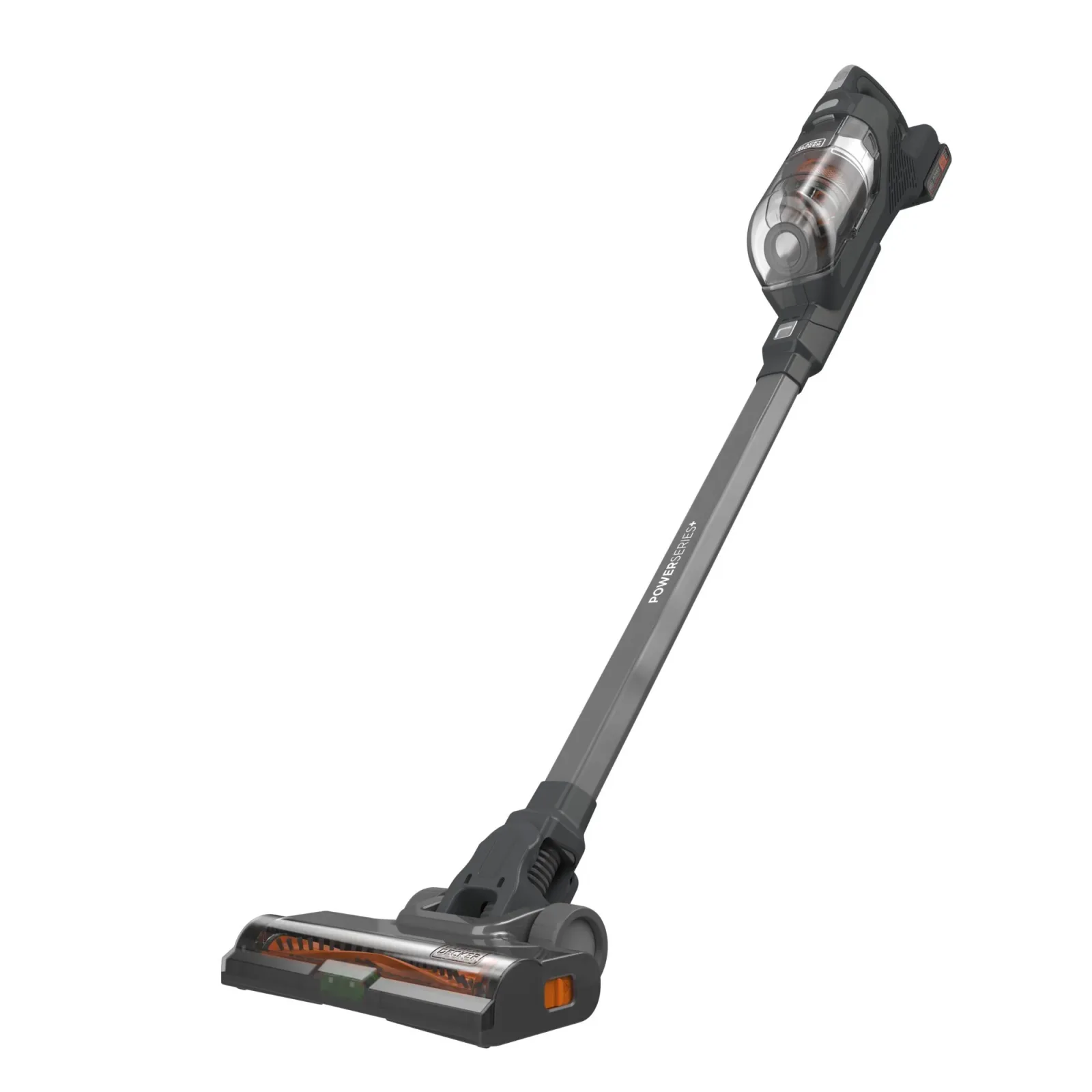
BLACK+DECKER POWERSERIES+ BHFEA18D1 Cordless Stick Vacuum Kit

Why choose it

Choose the BLACK+DECKER BHFEA18D1 for automatic suction adjustment between floor types and a removable POWERCONNECT battery with a separate charger.12

Included cleaning tools
Includes: (1) BHFEA18D1 Stick Vacuum. (1) Crevice Tool. (1) POWERCONNECT 20V MAX* 2.0Ah Battery (LXBR2020). (1) Cup Charger (LCS1620B). (1) Wall Mount.1
Suitable surfaces
vacuuming everyday dry messes2

The details

Specifications

Core specifications5
BLACK+DECKER POWERSERIES+ BHFEA18D1 Cordless Stick Vacuum Kit: core specifications
Cleaning arrangementBased on the type of floor you're cleaning, the POWERSERIES+™ vacuum cleaner will change suction power with AUTOSENSE™ technology while its cyclonic filtration system helps to maintain a fresh filter. Hair, fur, dirt, and debris are no match for the POWERSERIES+™ 20V MAX* Cordless Stick Vacuum thanks to the anti-tangle brush bar and LED floorhead lights that spotlight your cleaning area. Easily convert this vacuum to a handheld device with a crevice tool to clean stairs and furniture. The vacuum's self-standing capability and convenient storage options make it easy to store when not in use. Battery and charger included.1
Suitable surfacesvacuuming everyday dry messes2
Battery serviceInstalling and Removing the Battery Pack (Fig. F) NOTE: For best results, make sure your battery pack is fully charged. To install the battery pack 12 into the tool handle, align the battery pack with the rails inside the tool’s handle and slide it into the handle until the battery pack is firmly seated in the tool and ensure that it does not disengage. To remove the battery pack from the tool, press the release button 13 and firmly pull the battery pack out of the tool handle. Insert it into the charger as described in the charger section of this manual.2
Included cleaning toolsIncludes: (1) BHFEA18D1 Stick Vacuum. (1) Crevice Tool. (1) POWERCONNECT 20V MAX* 2.0Ah Battery (LXBR2020). (1) Cup Charger (LCS1620B). (1) Wall Mount.1
Brushroll careRemoving and Cleaning the Beater Bar (Fig. M, N) WARNING: To reduce the risk of injury from moving parts, disconnect the floor head and extension tube from the vacuum before cleaning or servicing. • To remove the beater bar 18 from the floor head 9 Slide the beater bar release button 10 to the rear of the unit. • The beater bar 18 can now be removed and cleaned.2
Fit and compatibility1
BLACK+DECKER POWERSERIES+ BHFEA18D1 Cordless Stick Vacuum Kit: fit and compatibility
Power and charging• Use the charger only in a standard electrical outlet (120V/60Hz).2
More specifications1
BLACK+DECKER POWERSERIES+ BHFEA18D1 Cordless Stick Vacuum Kit: more specifications
Filter careCleaning and Emptying the Vacuum WARNING: Projectile/Respiratory Hazard: Never use the vac without its filter. NOTE: The filter is re‑usable, do not confuse it with a disposable dust bag, and do not throw it away when the product is emptied. We recommend that you replace the filter every 6–9 months depending on frequency of use. To Empty the Dust Bowl (Fig. I–L) • Push down the dust bowl release button 4 to release and remove the dust bowl 5 from the vacuum. • Use your index finger and thumb to pinch the filter housing tabs and pull the filter housing 6 from the dust bowl as shown in Fig. J. • Place the dust bowl over a trash can and empty the dust bowl as illustrated in Fig. K. • Remove the foam filter 17 from the filter housing as shown in Fig. L. • Shake or lightly brush any loose dust off of the foam filter 17 and filter 6 . • Rinse out the dust bowl 5 with warm soapy water. • Wash the filters with warm soapy water. • Ensure the filters are completely dry before refitting the filters into the filter housing. • Refit the clean and dry foam filter 17 into the filter housing 6 . • Install the filter housing into the dust bowl 5 . • Install the dust bowl onto the vacuum, until it “clicks” firmly into position.2

Sources

  1. www.blackanddecker.com
  2. www.toolservicenet.com