Buying guide
Steam Mops
Our pick
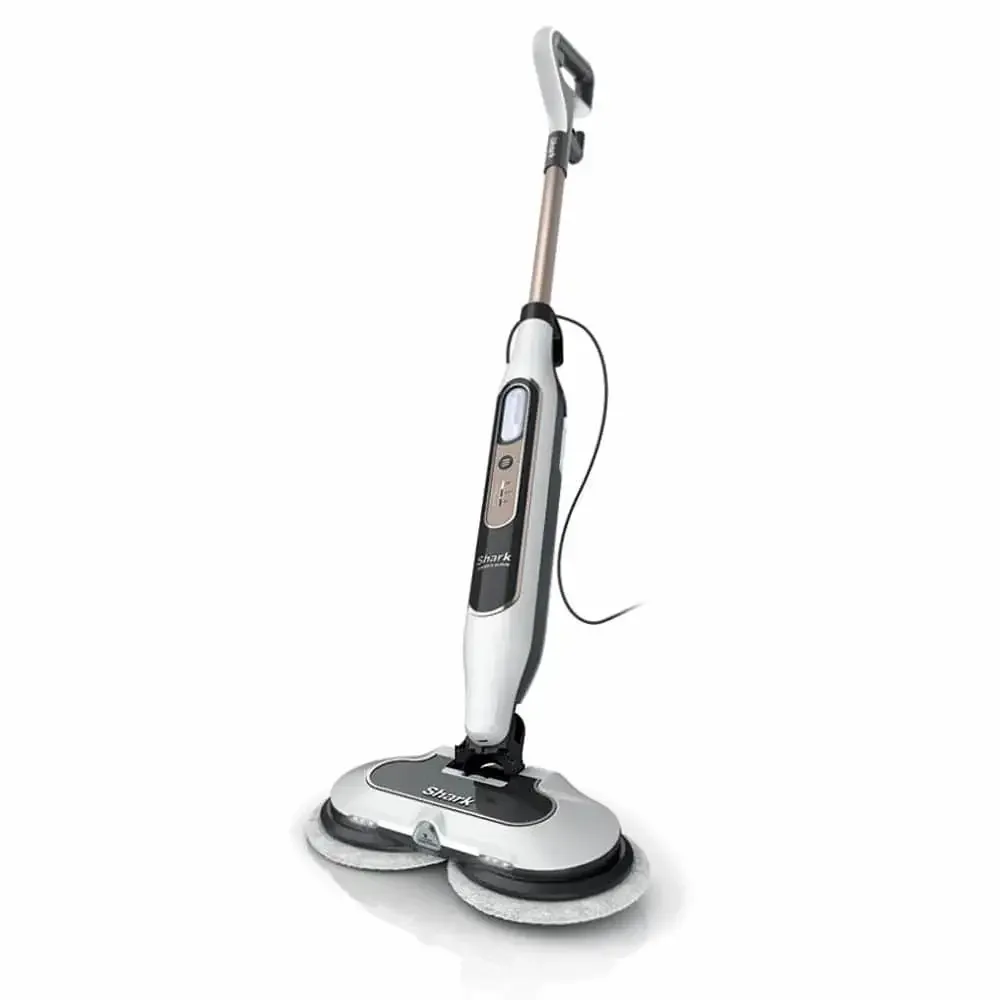
Shark Steam & Scrub Steam Mop S8201
Why this one
Before you buy: Its pads need washing and reuse after cleaning; check your floor care instructions before choosing steam.2
The alternatives
Other contenders
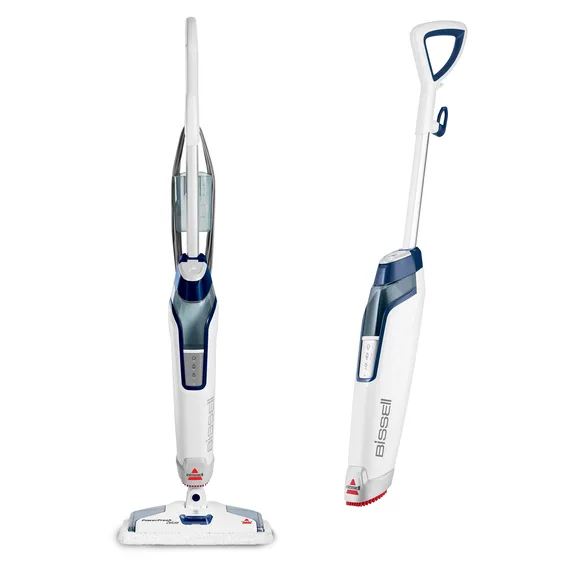
BISSELL PowerFresh Deluxe 1806
Choose the PowerFresh Deluxe for the SpotBoost brush when grout and crevices need attention.3
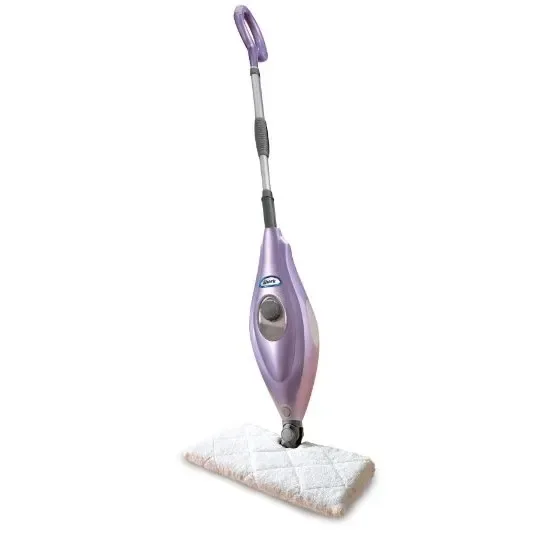
Choose the S3501 if you prefer a simpler mop with double-sided washable microfiber pads.4
Compare the options
4 products
Compare models side by side
Choose two or three products to compare.
Models in this comparison
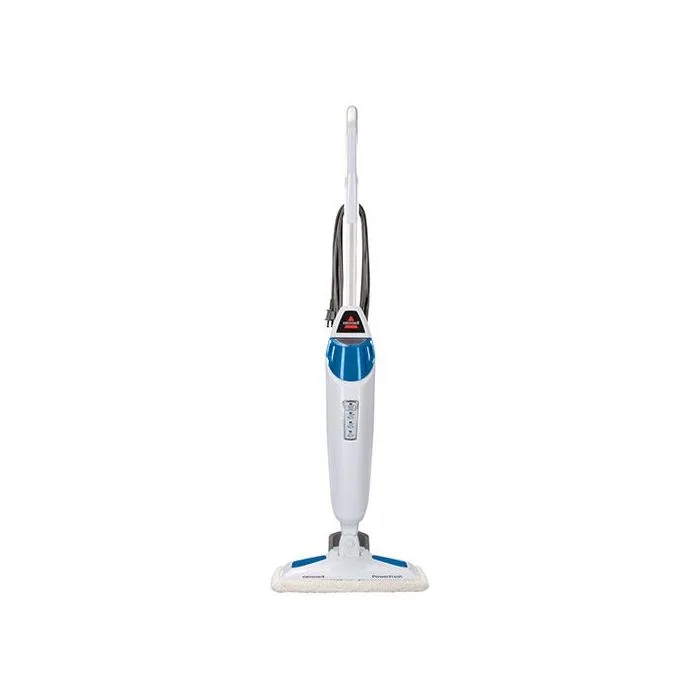
Every specification for these products
| Specification | Shark Steam & Scrub Steam Mop S8201 | BISSELL PowerFresh 1940 | BISSELL PowerFresh Deluxe 1806 | Shark Steam Pocket Mop S3501 |
|---|---|---|---|---|
| Steam and pad arrangement | Rotating pads1 | SmartSet™ Steam Control (Low, Medium, High) SmartSet™ Steam Control indicator light will stop blinking when PowerFresh™ Steam Mop is ready to use. Then press the Steam Level button to choose the level of steam you desire.5 | Using the SpotBoost™ Brush, move back and forth to easily clean grout, crevices and sticky messes. 2 Using Scent Discs Tray Place scent disc into tray and push tray in to close. To insert scent discs, pull the tray located on top of mop head out to open. 1 2 3 Step down on the pedal located on the back of the machine and lift up to expose the SpotBoost™ Brush located on the bottom of the unit.3 | dual-sided pads4 |
| Power supply | 120 volts1 | 3. Twist the Quick Release™ cord wrap clockwise to unwrap the power cord completely and plug into a 120-Volt outlet5 | Plug machine into a properly grounded outlet.3 | Electrical Plug Power Source6 |
| Cord length | ≈567 cm (18.6 ft)1 | ≈701 cm (23 ft)7 | 762 cm (25 ft)8 | ≈549 cm (18 ft)4 |
| Steam controls | 3 STEAM MODES: Light, Normal, and Deep, for stuck-on messes and stains.1 | SmartSet™ Steam Control (Low, Medium, High) SmartSet™ Steam Control indicator light will stop blinking when PowerFresh™ Steam Mop is ready to use. Then press the Steam Level button to choose the level of steam you desire.5 | Push the HIGH STEAM button once to turn ON. Use HIGH STEAM when cleaning durable floors or sticky messes. Push the LOW STEAM button once to turn ON. Use LOW STEAM for delicate floors or for light, everyday cleaning.3 | — |
| Included pads | 4 DIRT GRIP® Soft Scrub washable pads1 | — | — | 2x Washable double-sided microfiber pads4 |
How they compare
| Specification | Our pickShark Steam & Scrub Steam Mop S8201 | BISSELL PowerFresh 1940 | BISSELL PowerFresh Deluxe 1806 | Shark Steam Pocket Mop S3501 |
|---|---|---|---|---|
| Buy | ||||
| Steam and pad arrangement | Rotating pads1 | SmartSet™ Steam Control (Low, Medium, High) SmartSet™ Steam Control indicator light will stop blinking when PowerFresh™ Steam Mop is ready to use. Then press the Steam Level button to choose the level of steam you desire.5 | Using the SpotBoost™ Brush, move back and forth to easily clean grout, crevices and sticky messes. 2 Using Scent Discs Tray Place scent disc into tray and push tray in to close. To insert scent discs, pull the tray located on top of mop head out to open. 1 2 3 Step down on the pedal located on the back of the machine and lift up to expose the SpotBoost™ Brush located on the bottom of the unit.3 | dual-sided pads4 |
| Power supply | 120 volts1 | 3. Twist the Quick Release™ cord wrap clockwise to unwrap the power cord completely and plug into a 120-Volt outlet5 | Plug machine into a properly grounded outlet.3 | Electrical Plug Power Source6 |
| Cord length | ≈567 cm (18.6 ft)1 | ≈701 cm (23 ft)7 | 762 cm (25 ft)8 | ≈549 cm (18 ft)4 |
| Steam controls | 3 STEAM MODES: Light, Normal, and Deep, for stuck-on messes and stains.1 | SmartSet™ Steam Control (Low, Medium, High) SmartSet™ Steam Control indicator light will stop blinking when PowerFresh™ Steam Mop is ready to use. Then press the Steam Level button to choose the level of steam you desire.5 | Push the HIGH STEAM button once to turn ON. Use HIGH STEAM when cleaning durable floors or sticky messes. Push the LOW STEAM button once to turn ON. Use LOW STEAM for delicate floors or for light, everyday cleaning.3 | — |
| Included pads | 4 DIRT GRIP® Soft Scrub washable pads1 | — | — | 2x Washable double-sided microfiber pads4 |